Create across campaign formats
Design product visuals, banners, landing scenes, sales assets, and social extensions in the same workflow.
Flato helps marketing teams co-create editable campaign graphics, product visuals, banners, launch assets, and presentation-ready brand stories on one canvas.
Marketing features
Design product visuals, banners, landing scenes, sales assets, and social extensions in the same workflow.
Use one visual direction across channels while your AI designer keeps layout, color, and hierarchy aligned.
Turn marketing visuals into pitch decks, product presentations, motion scenes, or interactive content.
Starters
Start from campaign and product structures, then keep refining the message and design on the canvas.
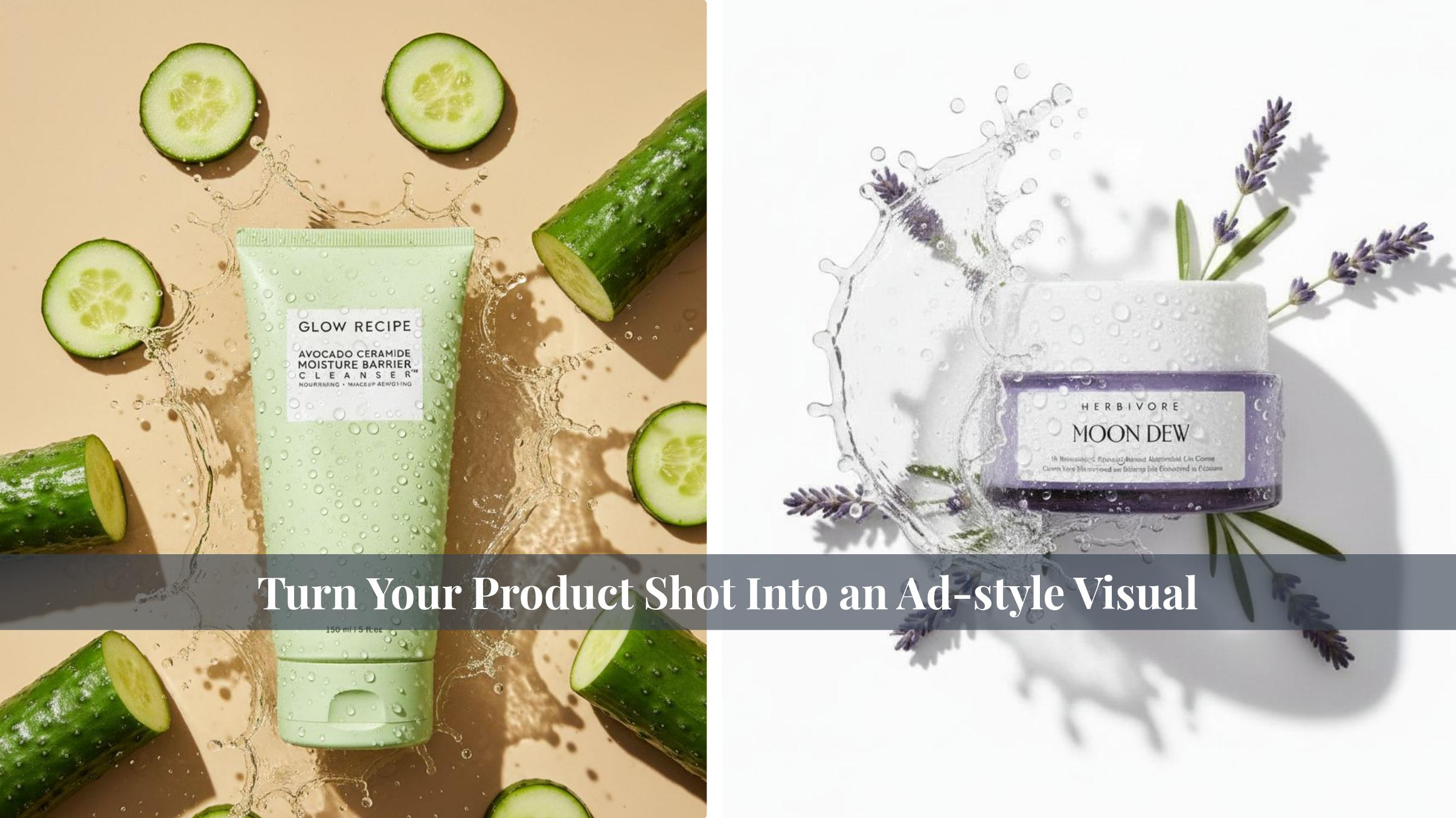
 Professional Skincare Product Advertising Visuals
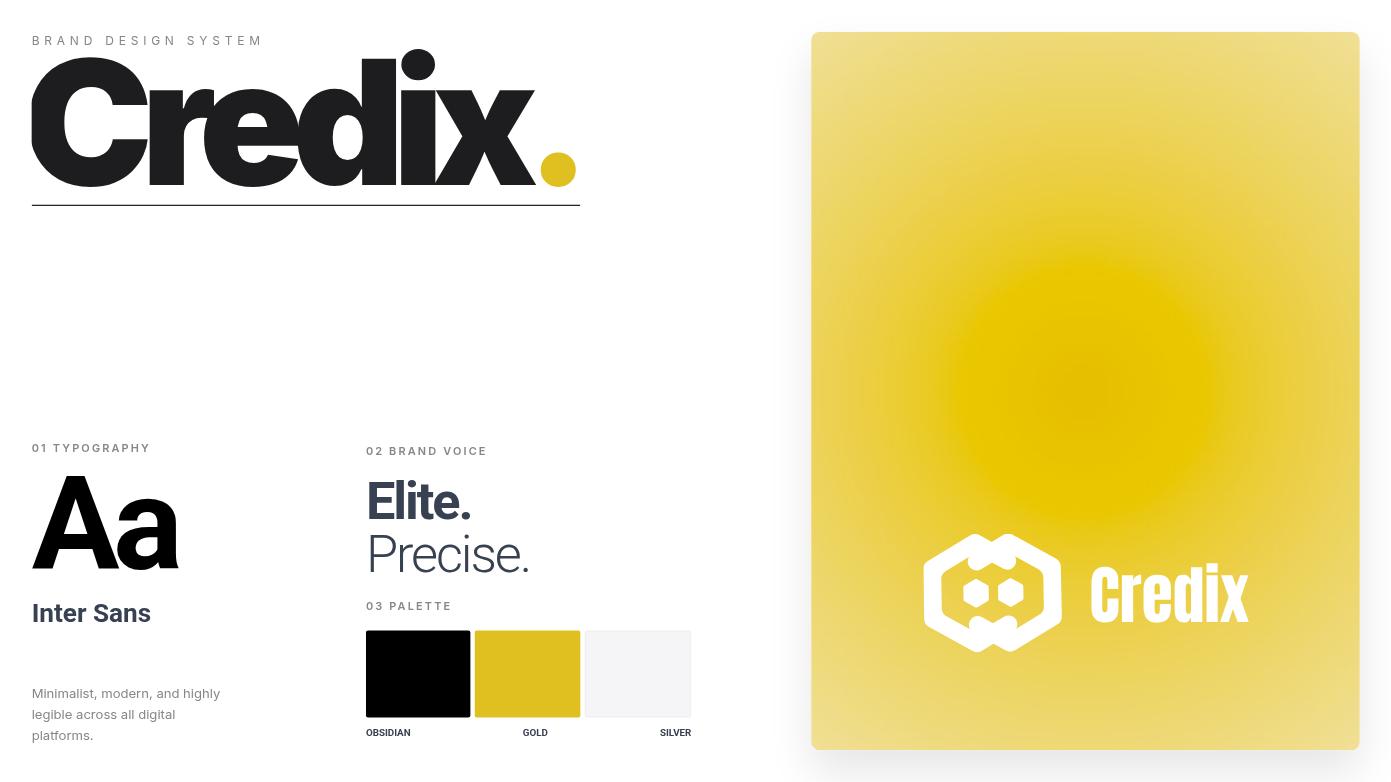
 Modern Fintech Brand Identity System
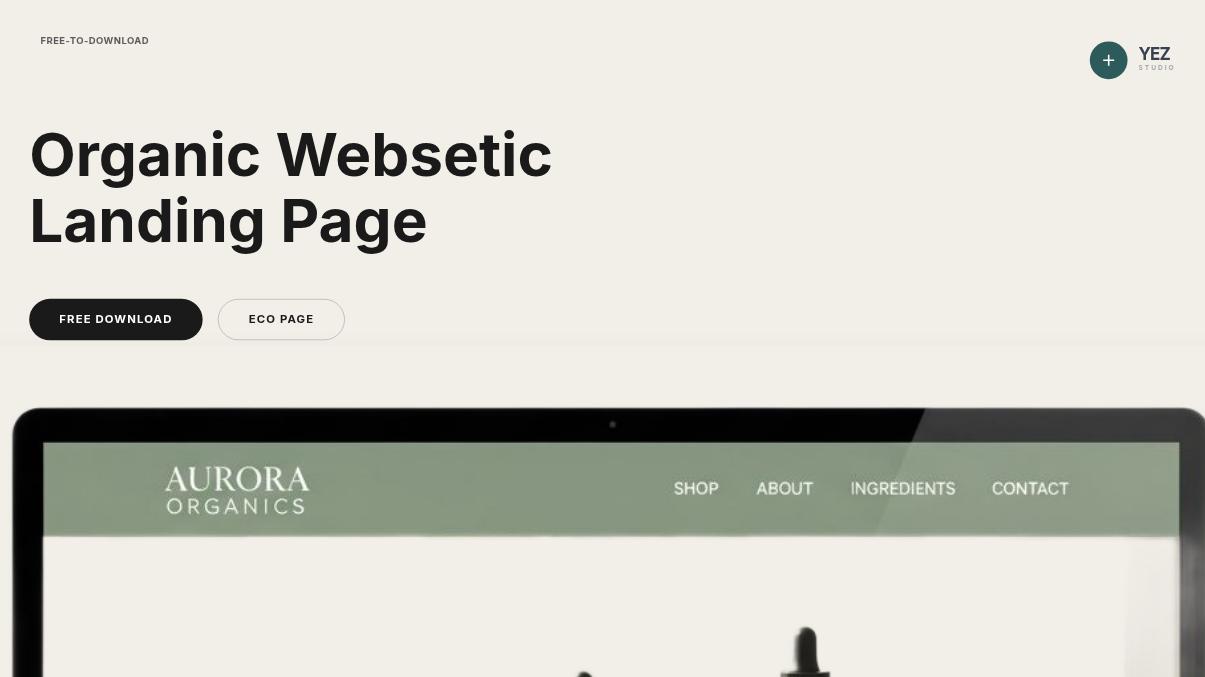
 Minimalist Organic Skincare Landing Page
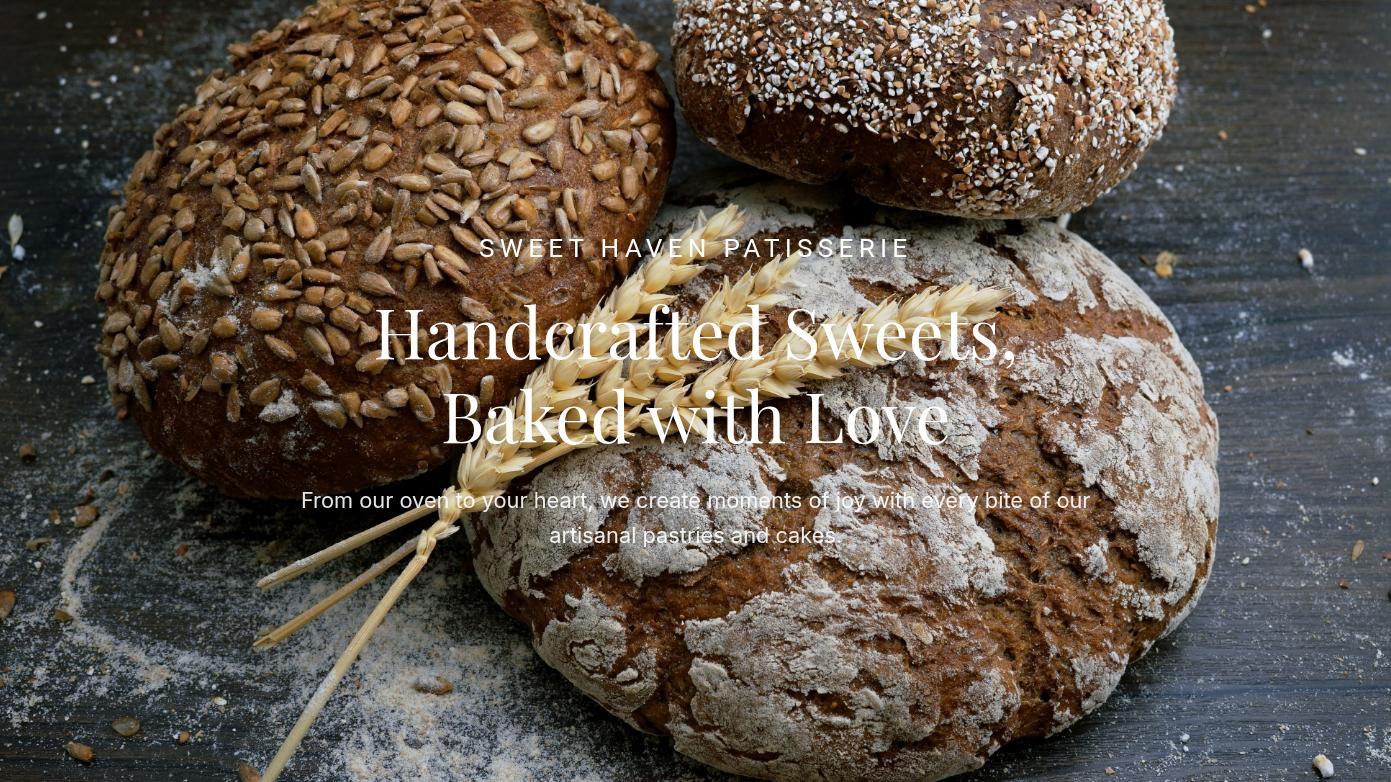 Artisanal Patisserie Website Presentation Layout
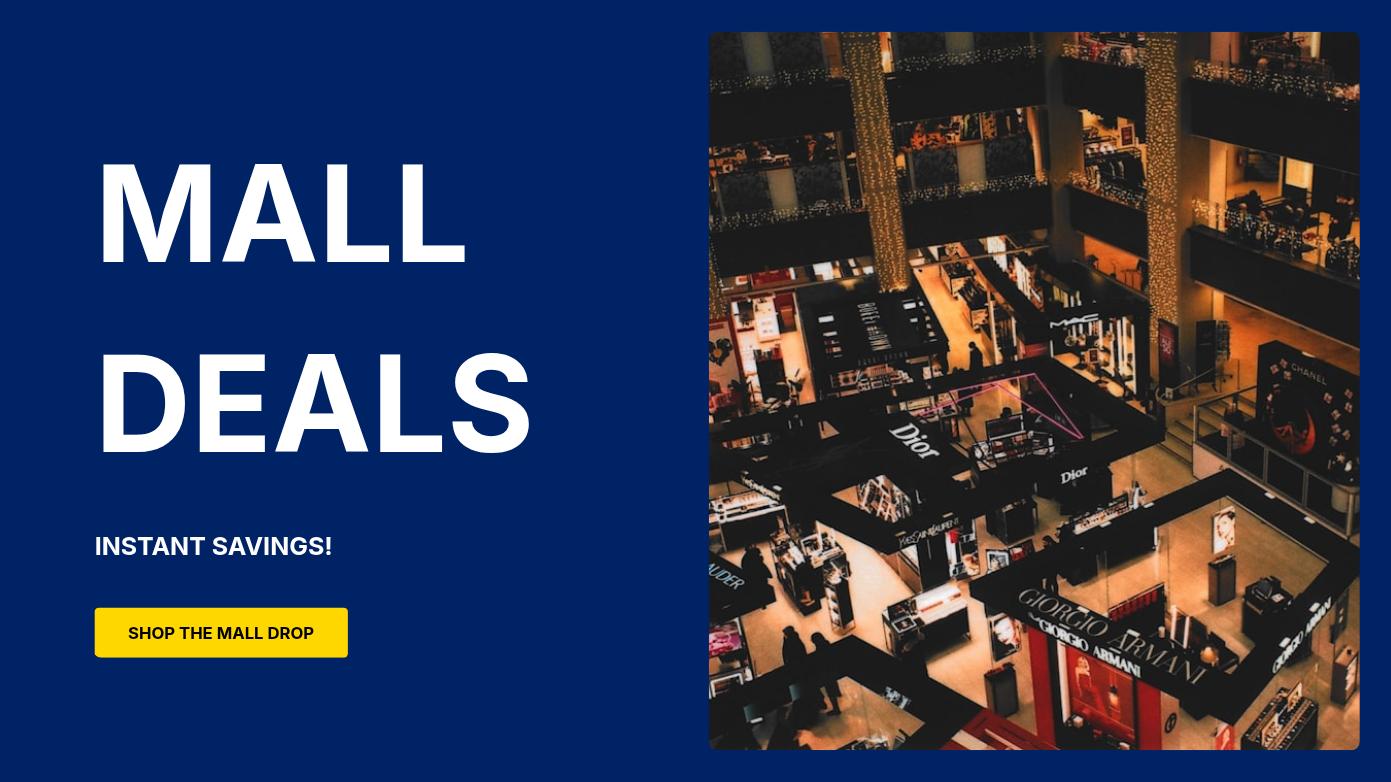 Modern Retail Shopping Presentation Deck
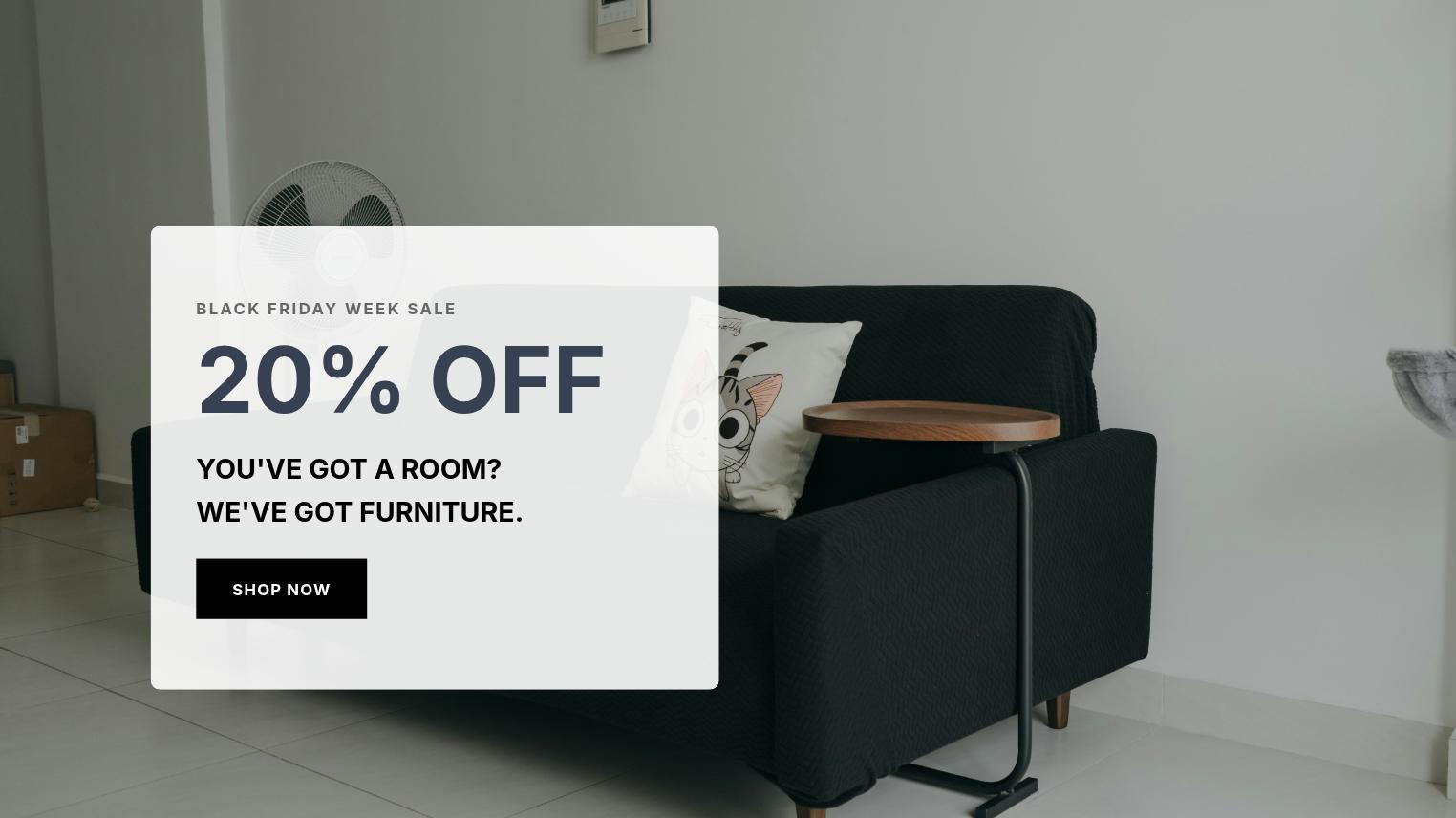 Minimalist Furniture E-commerce Website Design
More ways to create with Flato
Workflow
Share the product, audience, offer, channel, tone, and message you want to communicate.
Let your AI designer shape layout, copy hierarchy, image direction, and brand mood on the canvas.
Adjust proof points, pricing, product visuals, calls to action, and customer-facing details.
Reuse the direction across social visuals, presentations, banners, and motion-ready assets.
FAQ
You can create campaign graphics, product visuals, banners, landing-page scenes, sales assets, social extensions, and presentation-ready brand stories.
Yes. You can keep asking your AI designer to rewrite copy, adjust hierarchy, improve product emphasis, and keep the design brand-consistent.
Yes. Flato is designed for cross-format creation, so a marketing direction can become slides, social media visuals, product presentations, or motion-ready scenes.
Yes. Marketing teams can use Flato to keep campaign direction, brand consistency, and design iteration in the same editable canvas workflow.
Start from a campaign brief, then keep refining every visual on the canvas.
Open Flato