Design the system, not one asset
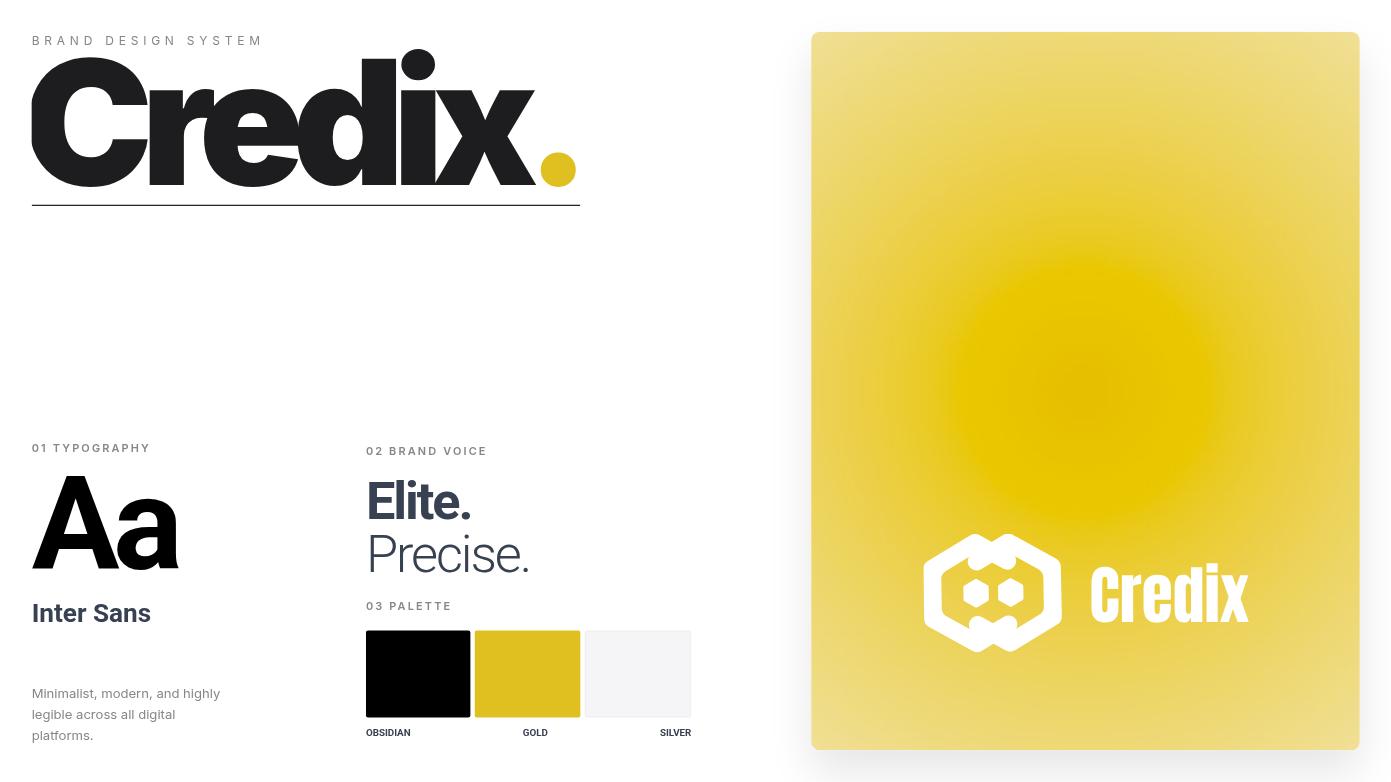
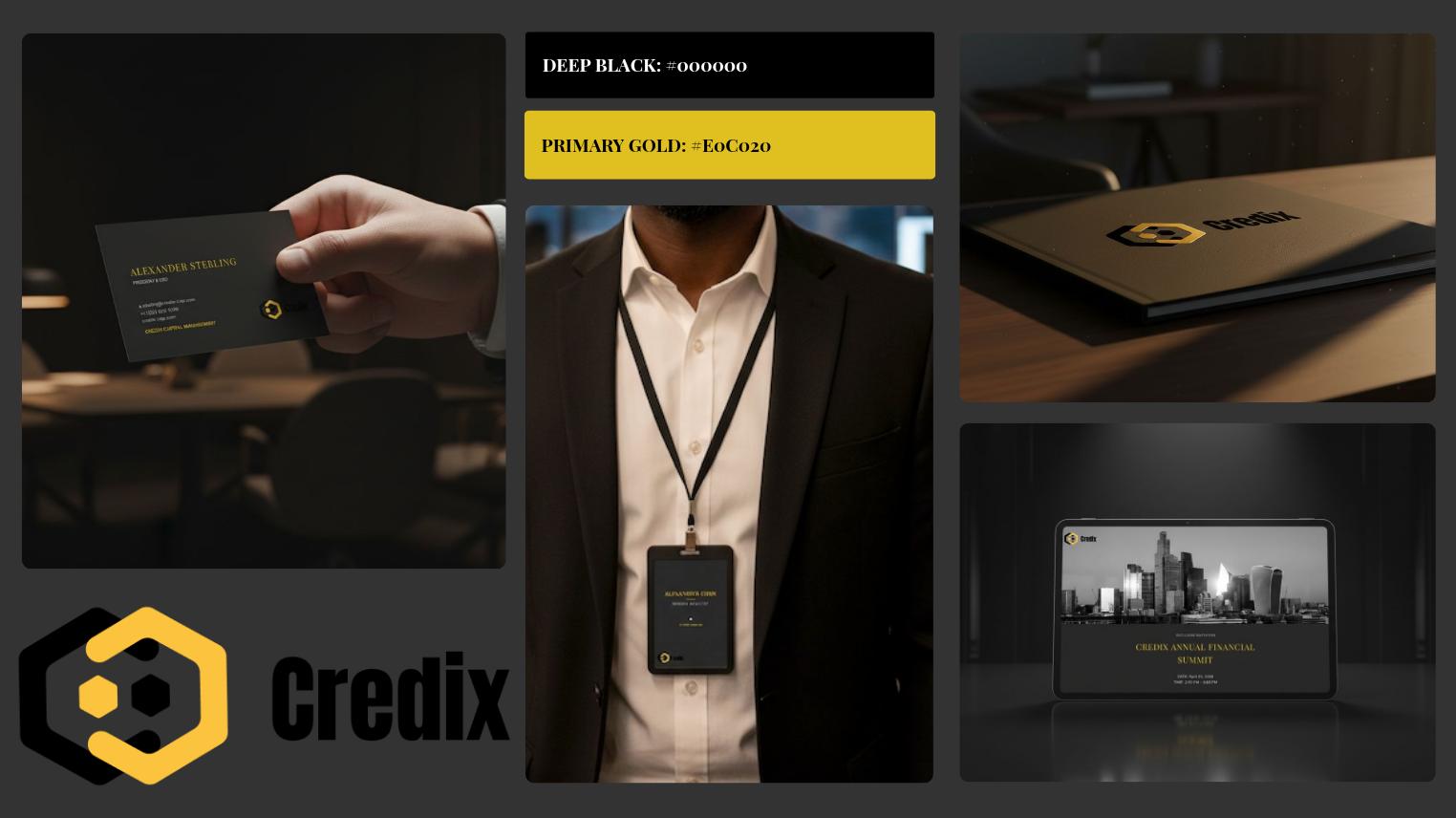
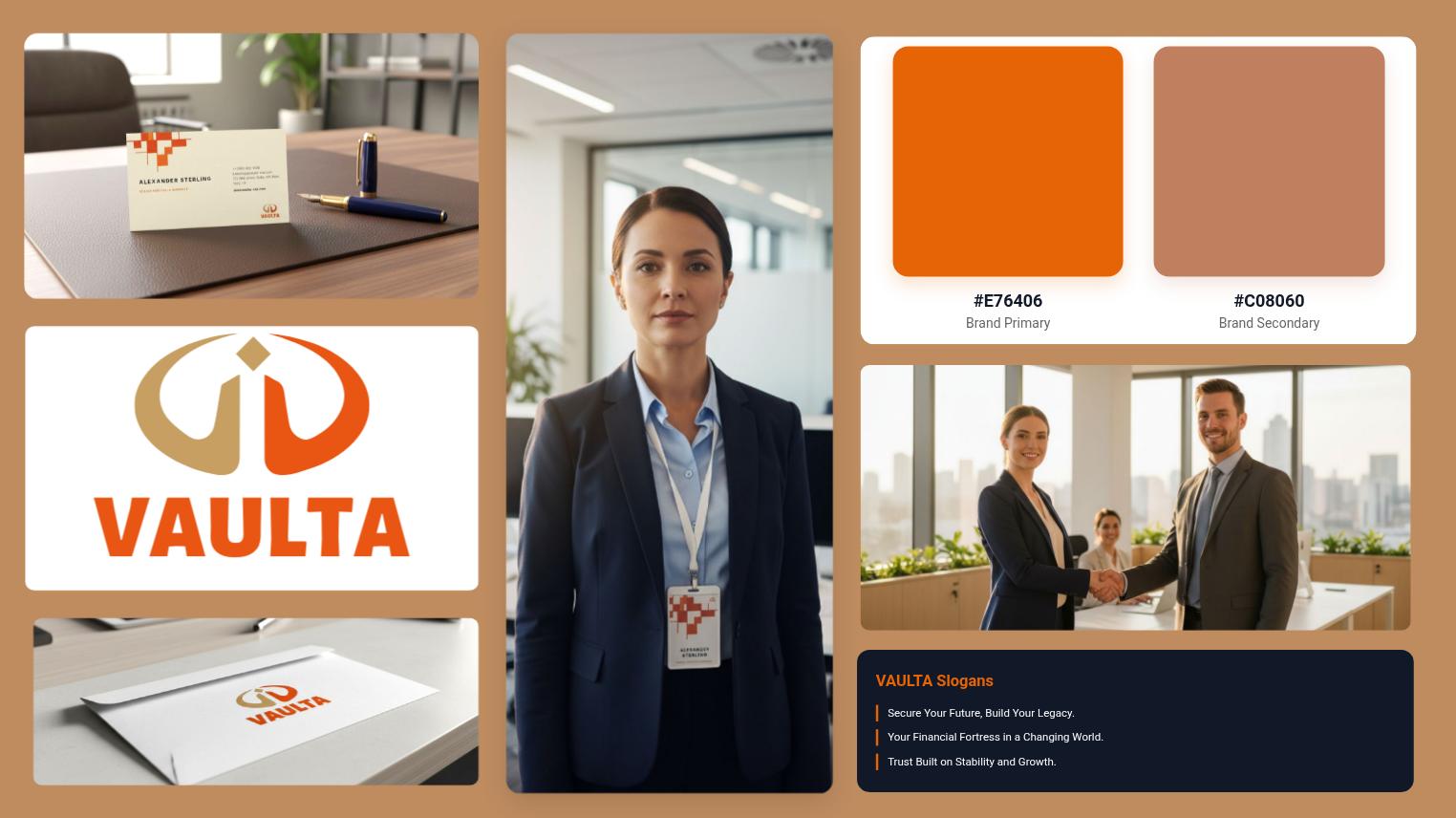
Create brand marks, palettes, typography, cards, badges, and brand scenes that stay editable together.
Flato helps you turn brand direction into editable logos, color systems, typography, business cards, ID badges, and reusable brand visuals on the canvas.
Brand features
Create brand marks, palettes, typography, cards, badges, and brand scenes that stay editable together.
Ask your AI designer to adapt layouts while preserving the same visual rules, spacing, and tone.
Reuse brand direction across presentations, social media visuals, marketing assets, and motion-ready scenes.
Starters
Start from brand identity structures, then keep shaping the design system with your AI designer.
 Professional Financial Services Brand Identity
 Modern Fintech Brand Identity System
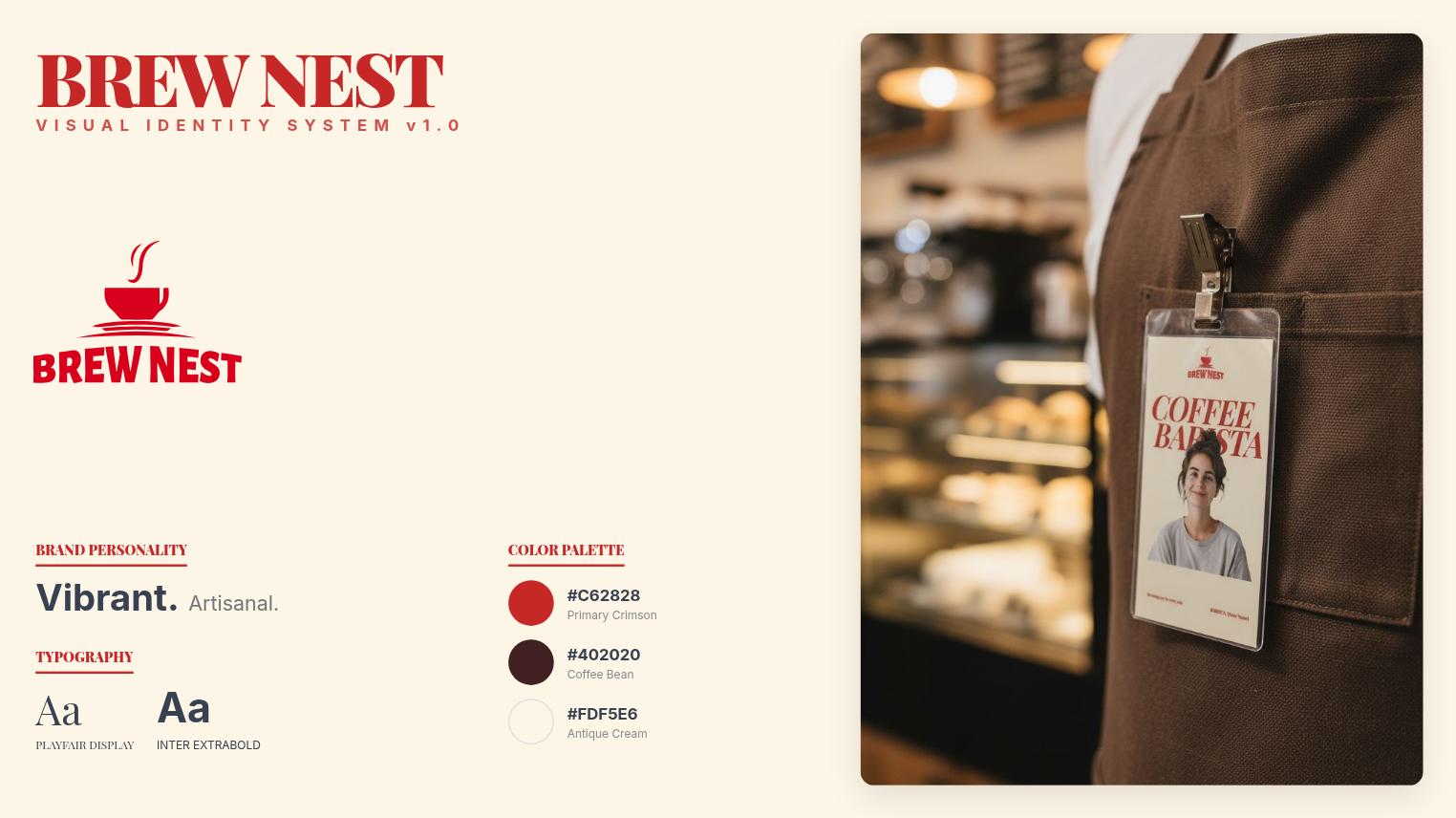 Artisanal Coffee Shop Visual Identity System
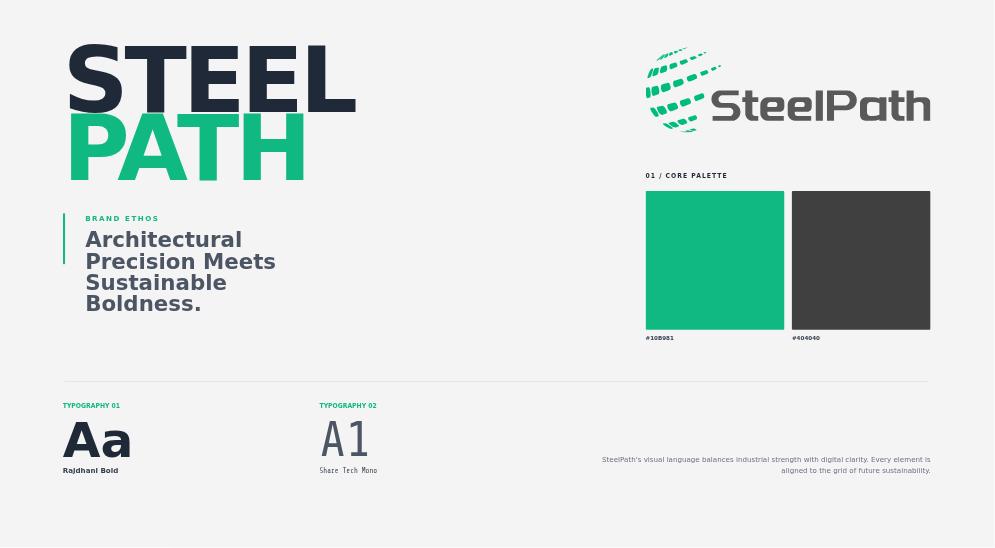 Modern Architectural Corporate Brand Identity
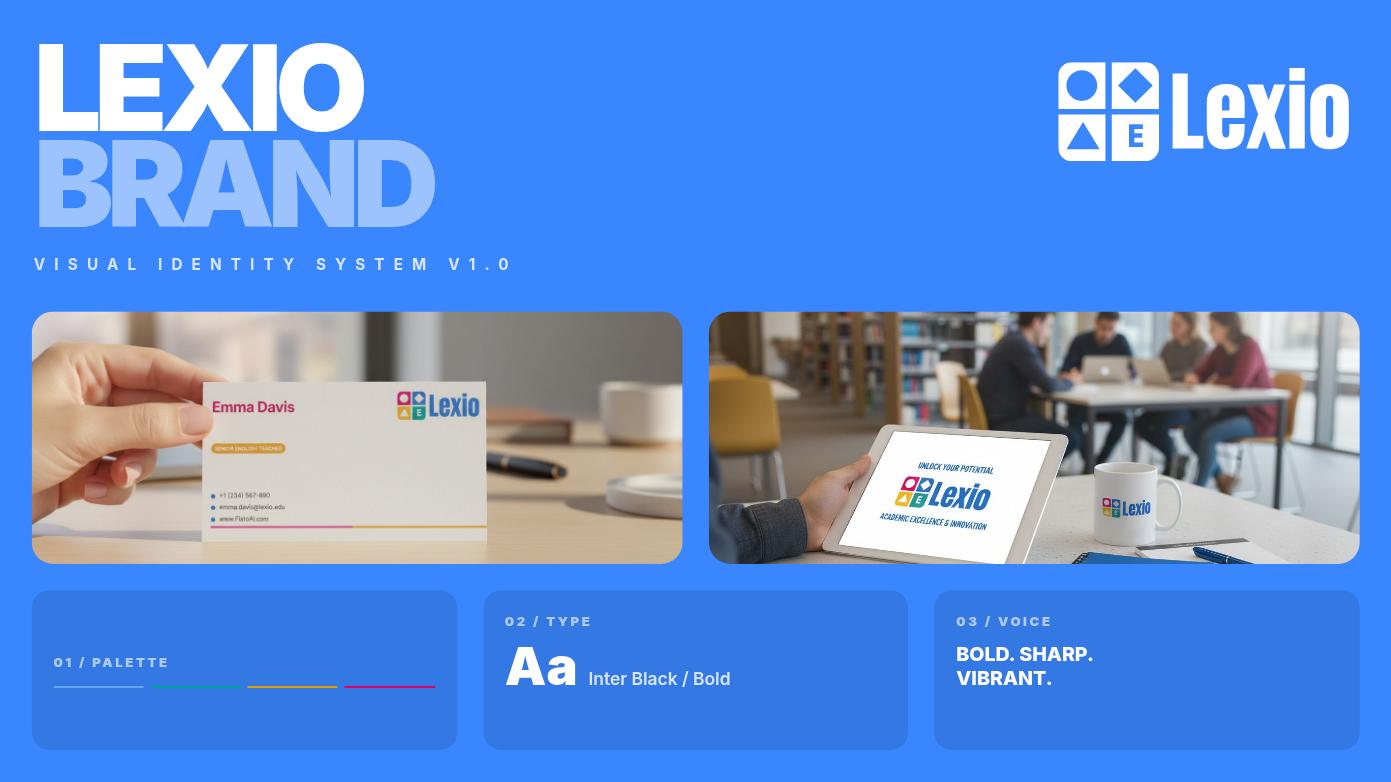 Modern Educational Brand Identity System
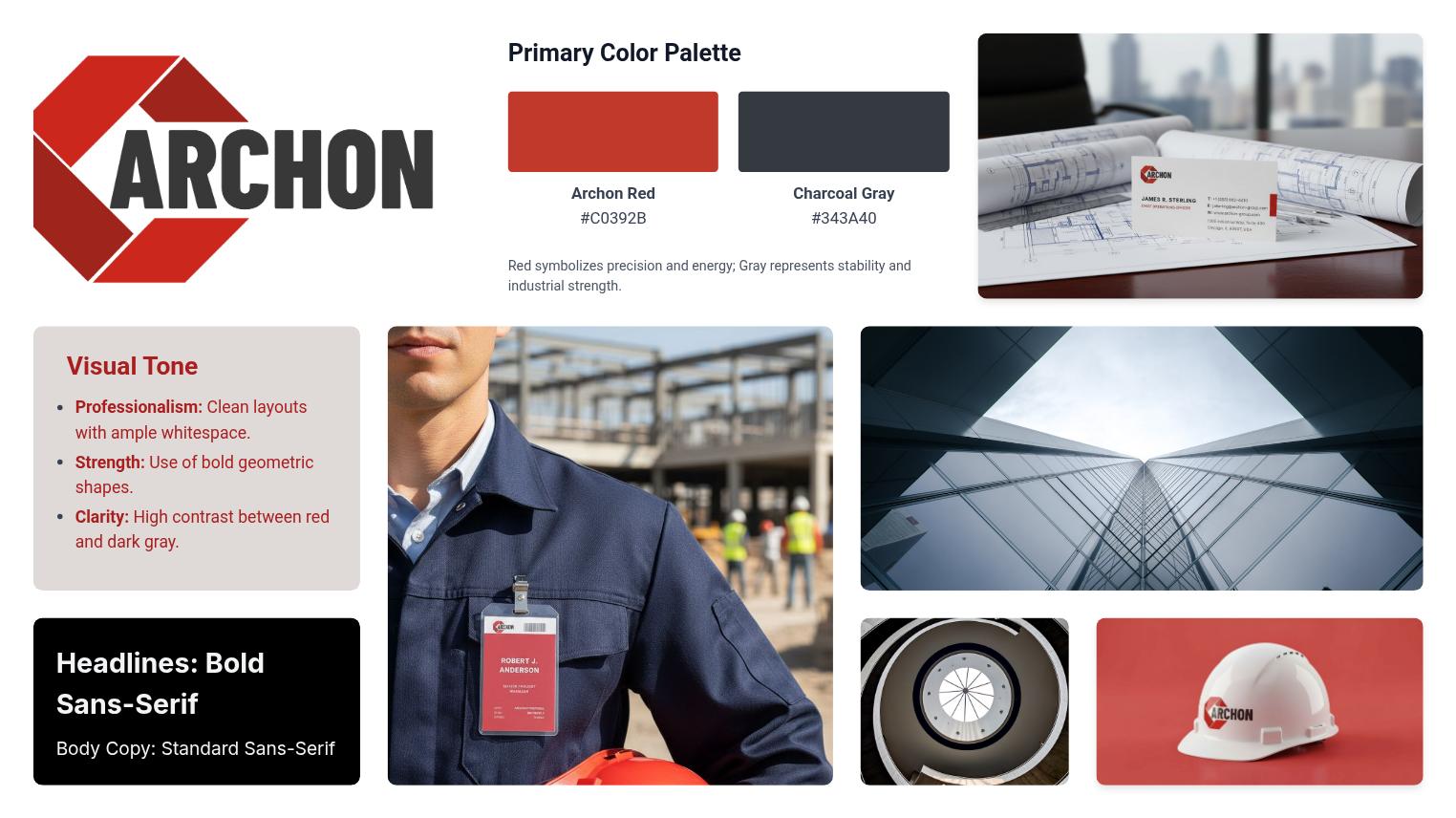 Industrial Construction Corporate Identity Design
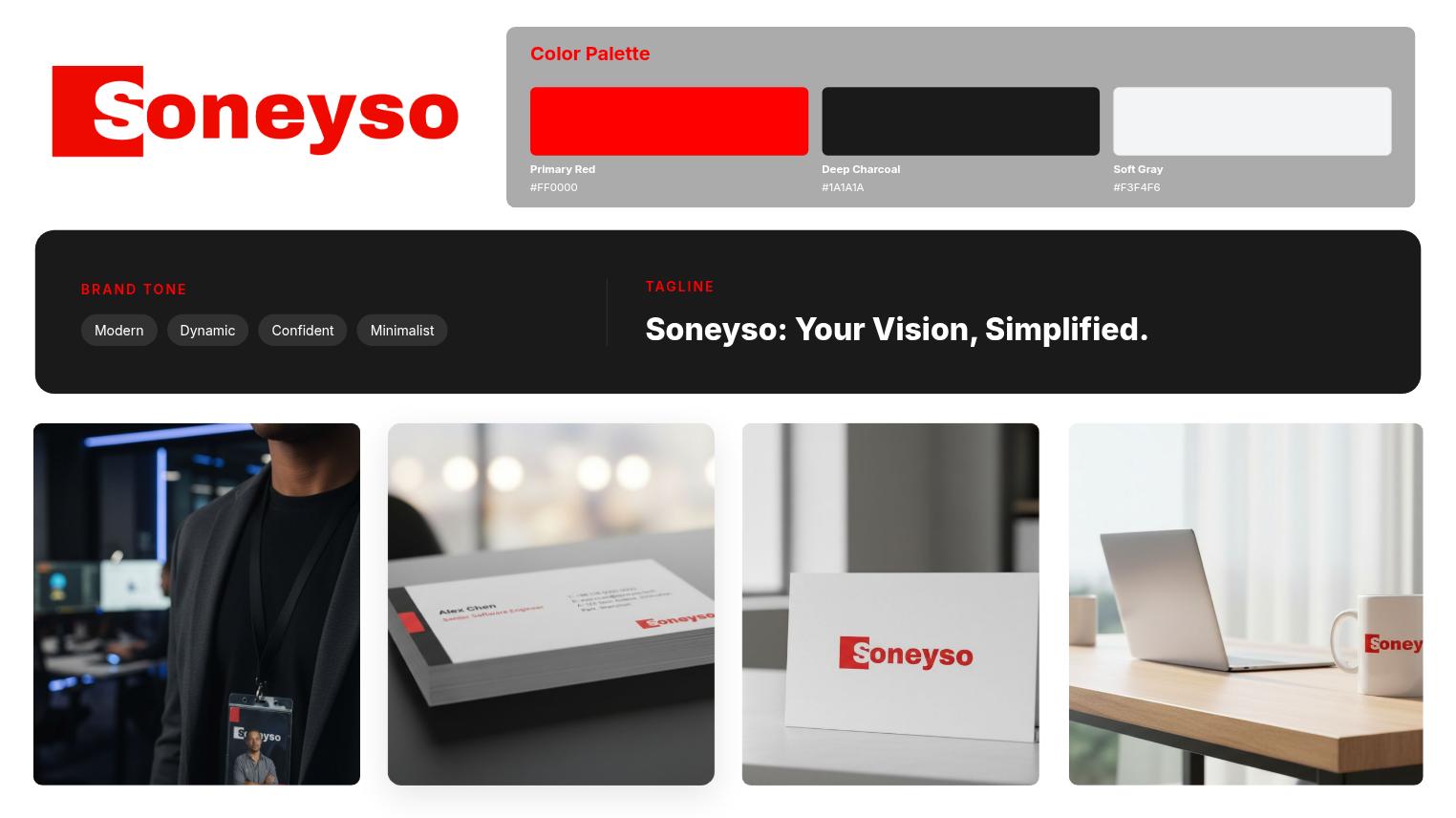 Modern Tech Corporate Brand Identity
 Professional Financial Advisor Business Card
More ways to create with Flato
Workflow
Describe the business, audience, tone, colors, or visual references you want to explore.
Refine logo direction, typography, palette, hierarchy, and the first brand scenes on the canvas.
Extend the kit into cards, badges, slides, social visuals, campaign assets, and presentation scenes.
Continue asking your AI designer to adjust, expand, and keep the system consistent as new needs appear.
FAQ
No. Logo direction is one part of the brand system. Flato also helps you create editable brand visuals, cards, badges, presentation scenes, and social assets that stay connected.
Yes. The brand kit remains editable on the canvas, so you can refine typography, colors, layout, and visual direction with your AI designer.
Yes. The goal is to make brand direction reusable across presentations, social media visuals, marketing visuals, and motion-ready design work.
A static guideline tells people what to do. Flato helps apply the brand rules inside the actual design canvas, so new assets can stay aligned while they are created.
Start with a direction, then keep refining logos, brand visuals, and every connected asset on the canvas.
Open Flato