Continuously co-create slides
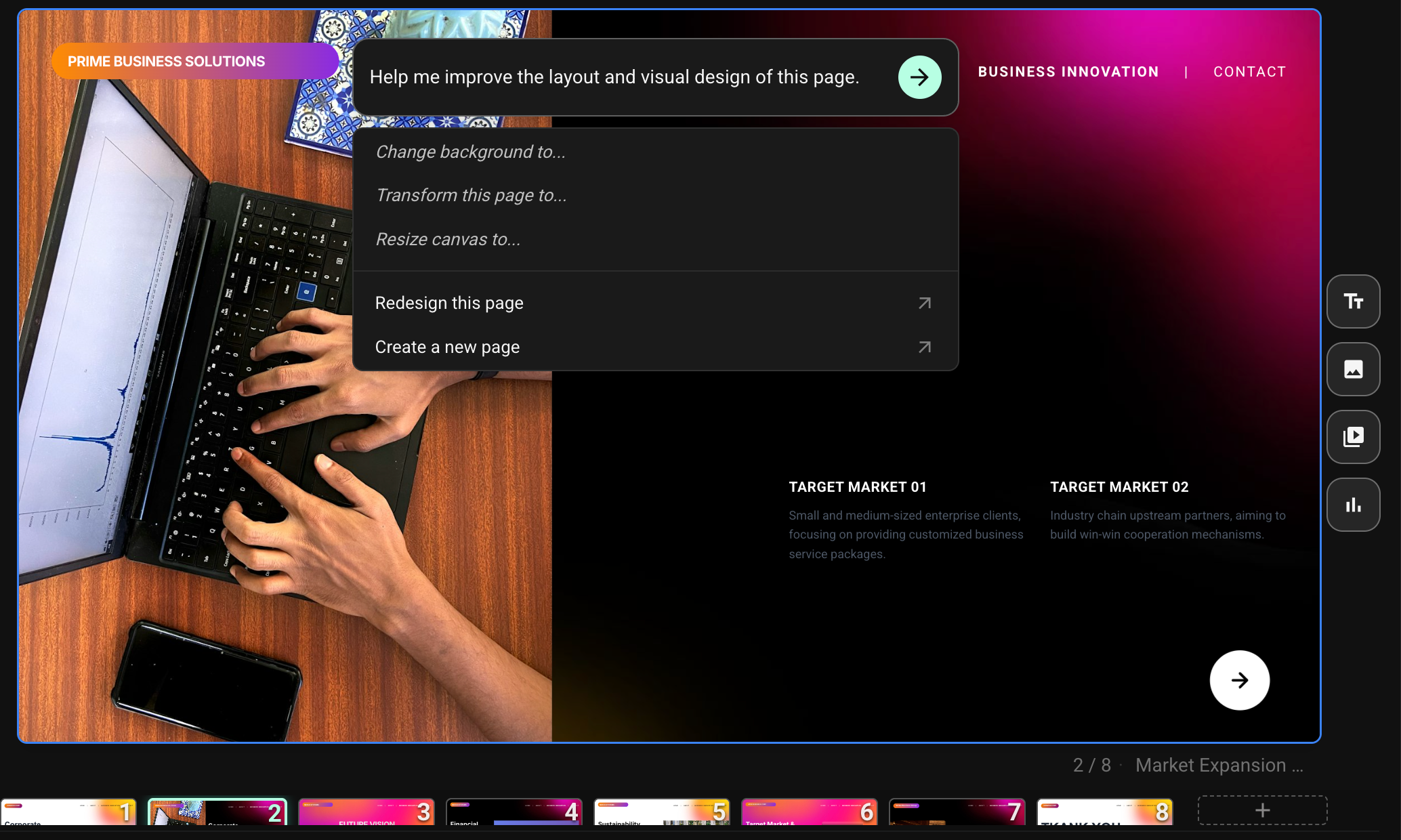
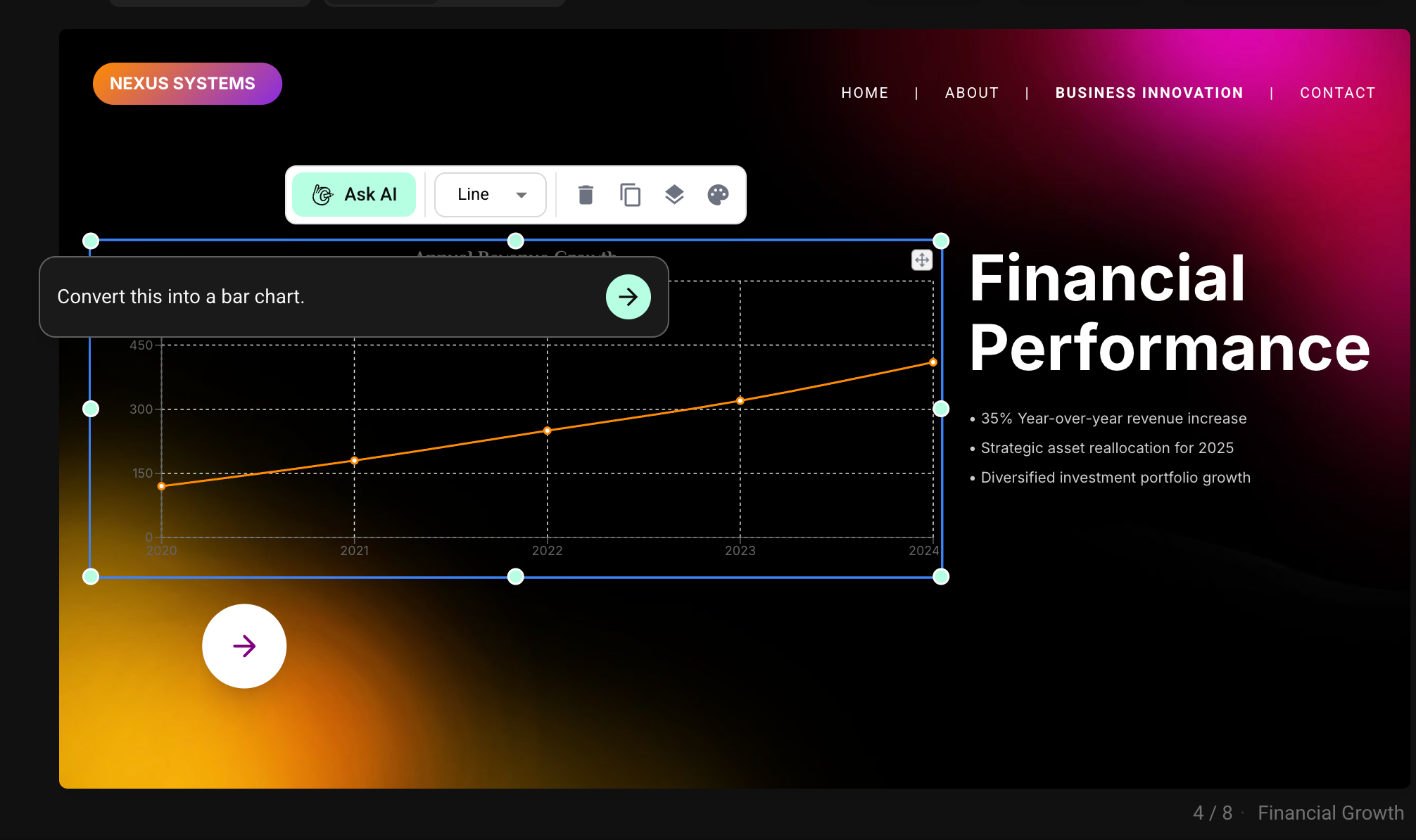
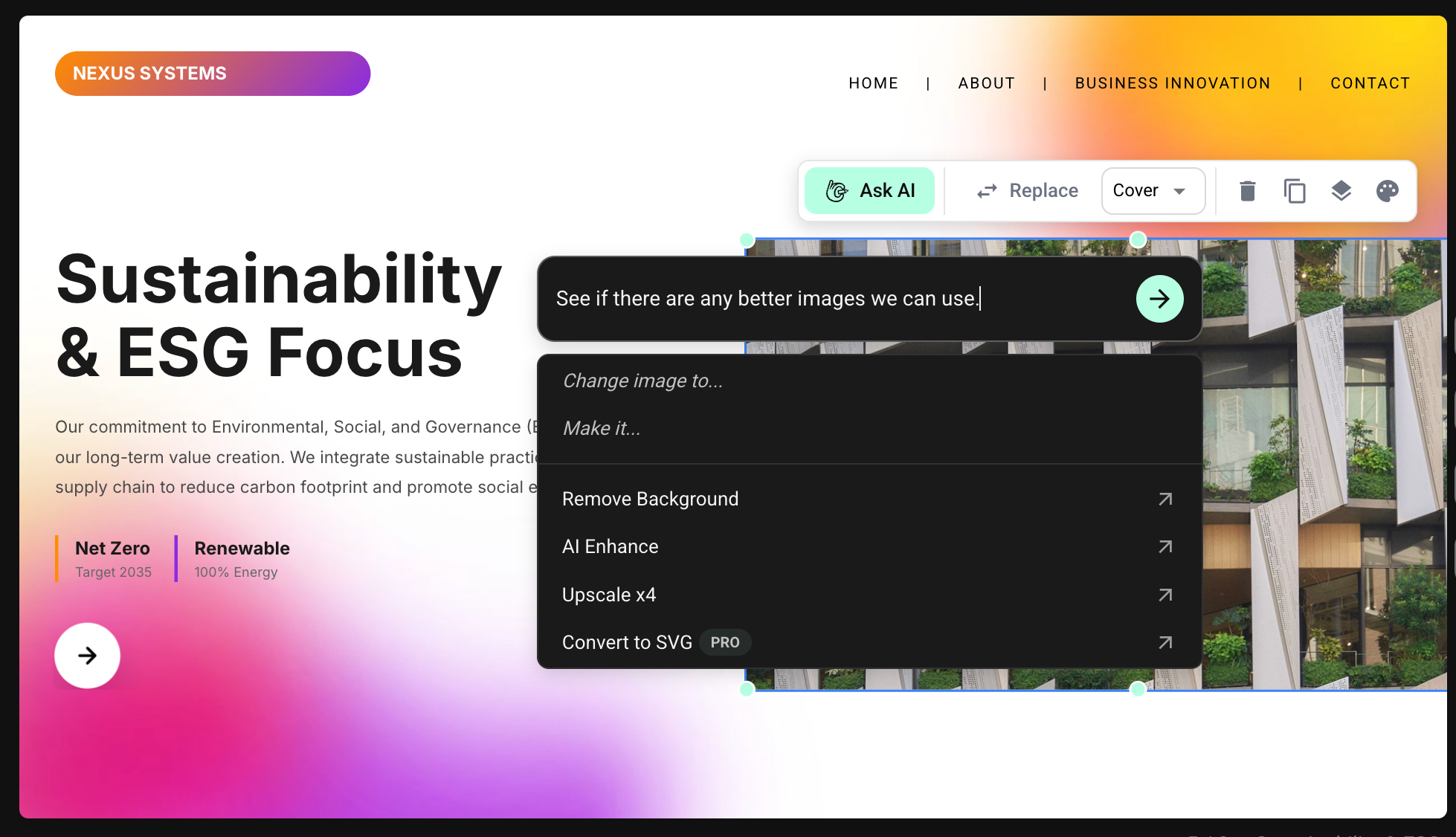
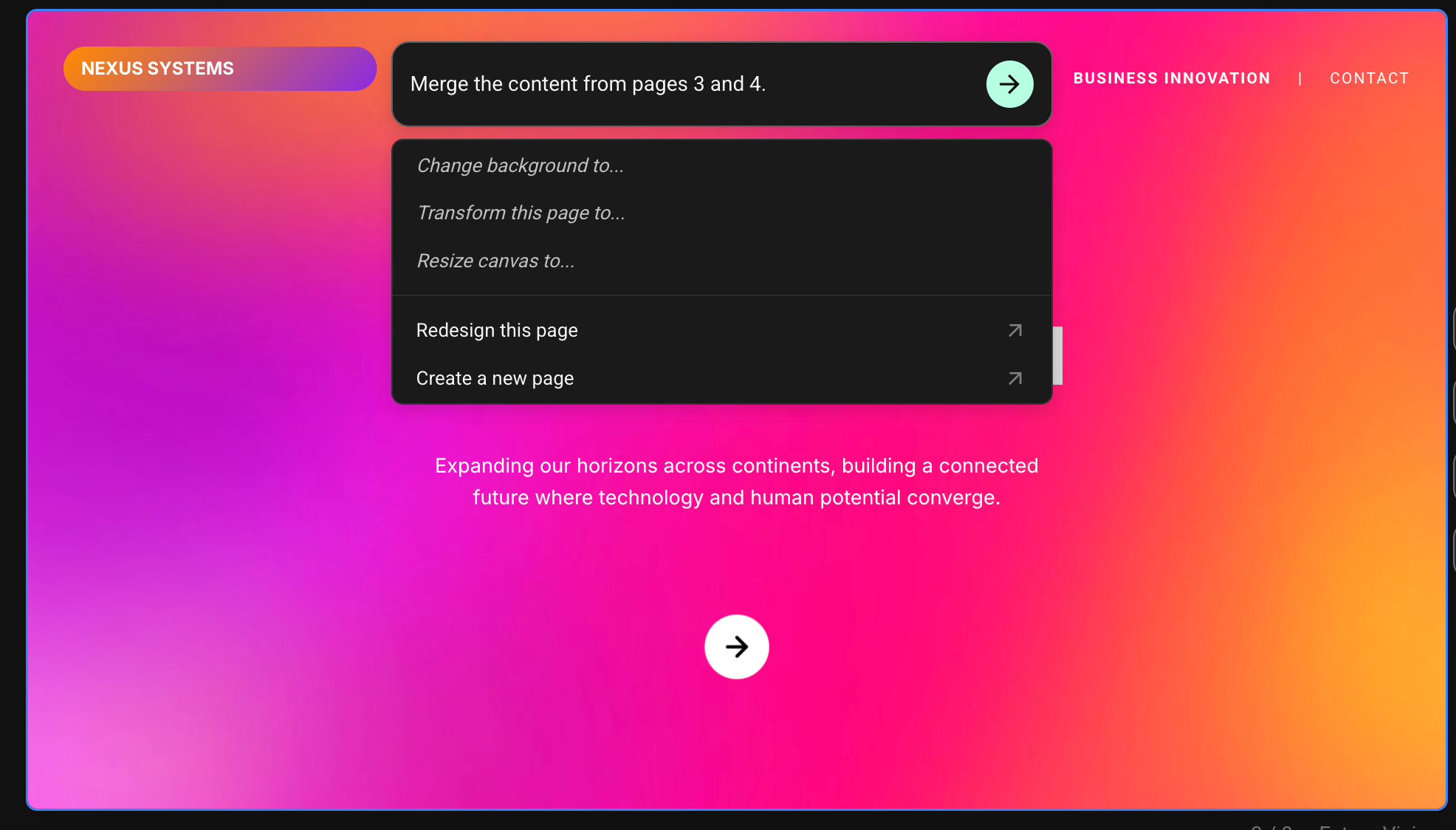
Keep asking your AI designer to refine the story, rewrite copy, add sections, and improve the slide flow after the first draft.
Flato keeps co-creating after generation: refine the story, clean up layouts, keep your brand consistent, then share a link, present online, or extend the deck into motion and interactive presentations.
Presentation features
Keep asking your AI designer to refine the story, rewrite copy, add sections, and improve the slide flow after the first draft.
Every slide remains editable, so you can adjust layouts, hierarchy, spacing, and visuals without exporting to PowerPoint.
Send a link, play the deck in the browser, and keep it ready for brand-consistent motion or interactive presentation layers.
Use Flato’s canvas-native engine to extend slides into animated, interactive experiences that feel closer to the web than static PPT.
Starters
Use a starter when you want structure first, then keep refining the presentation with AI on the canvas.
 Luxury Corporate Financial Brand Identity
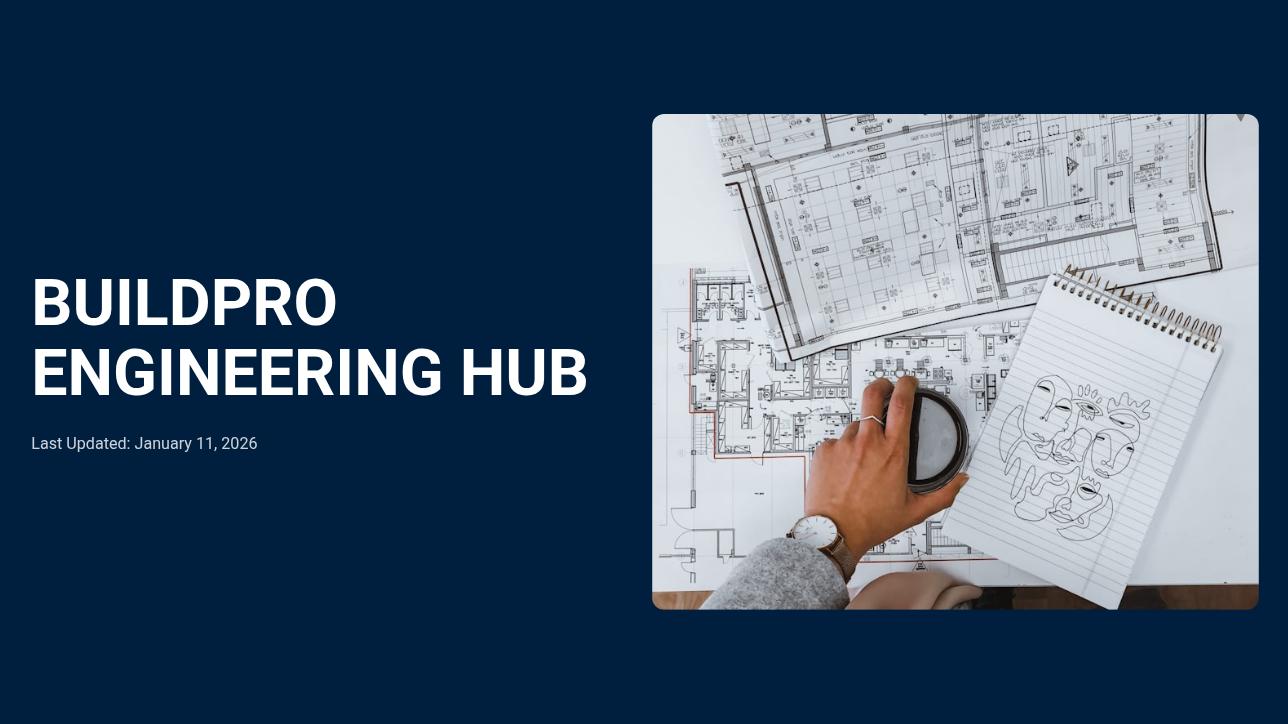 Professional Engineering Training Presentation Slides
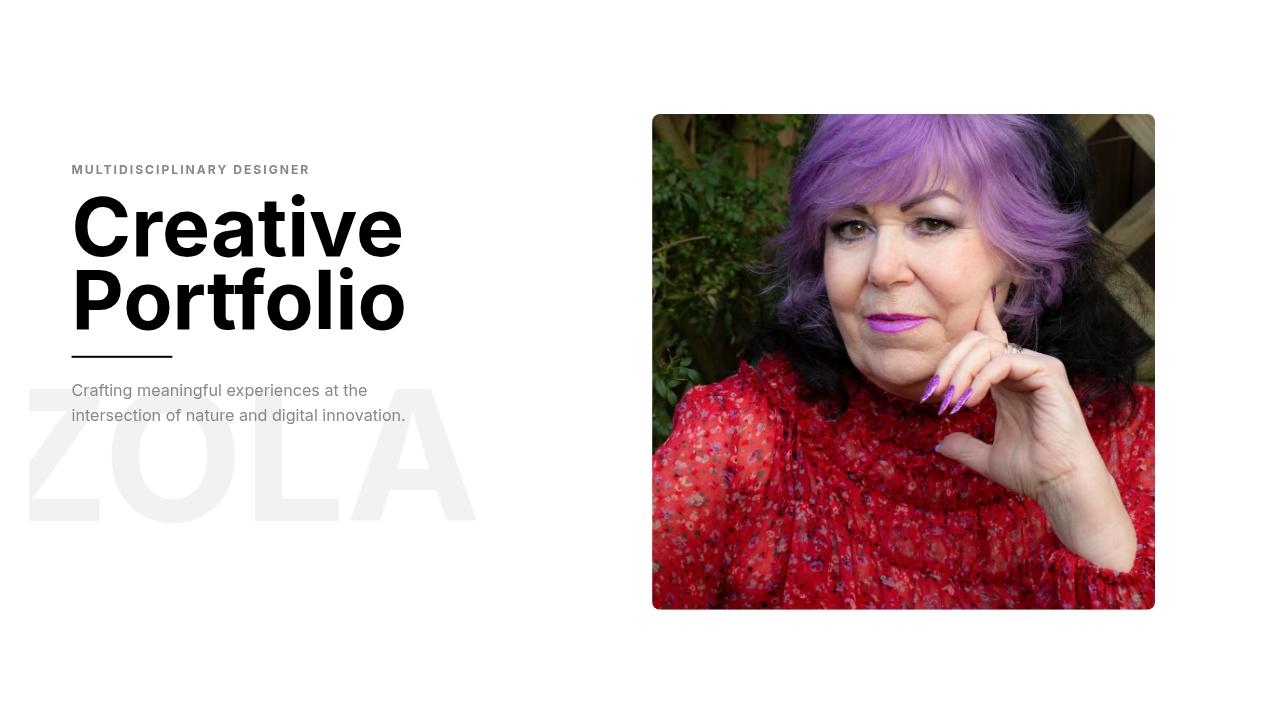 Minimalist Creative Designer Portfolio Presentation
 Minimalist Luxury Fashion Brand Presentation
 Elegant Personal Brand Photography Presentation
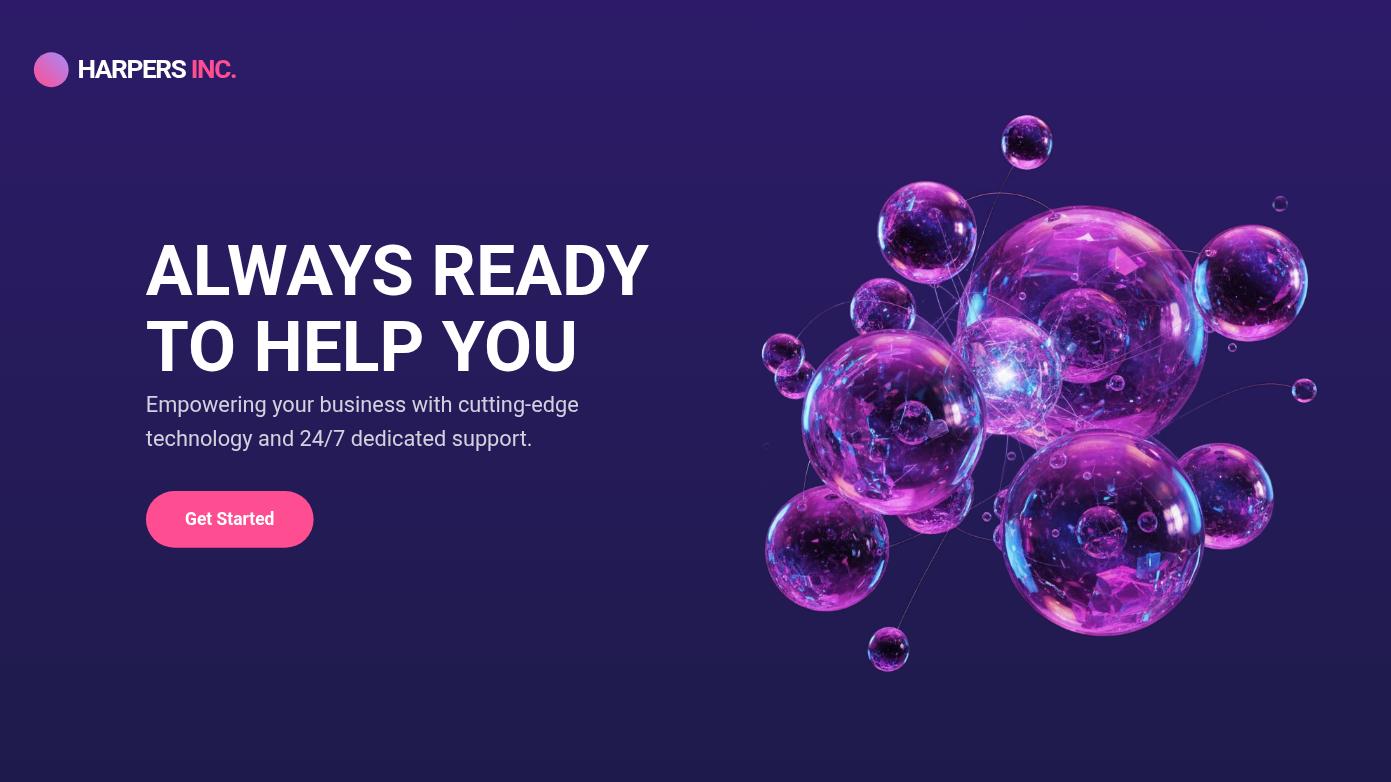 Modern Tech Business Pitch Deck
 Futuristic AI Solutions Pitch Deck
 Luxury Fashion Brand Presentation Slides
 Luxury Resort and Spa Presentation
 Elegant Legal Services Presentation Slides
 Modern Retail Shopping Presentation Deck
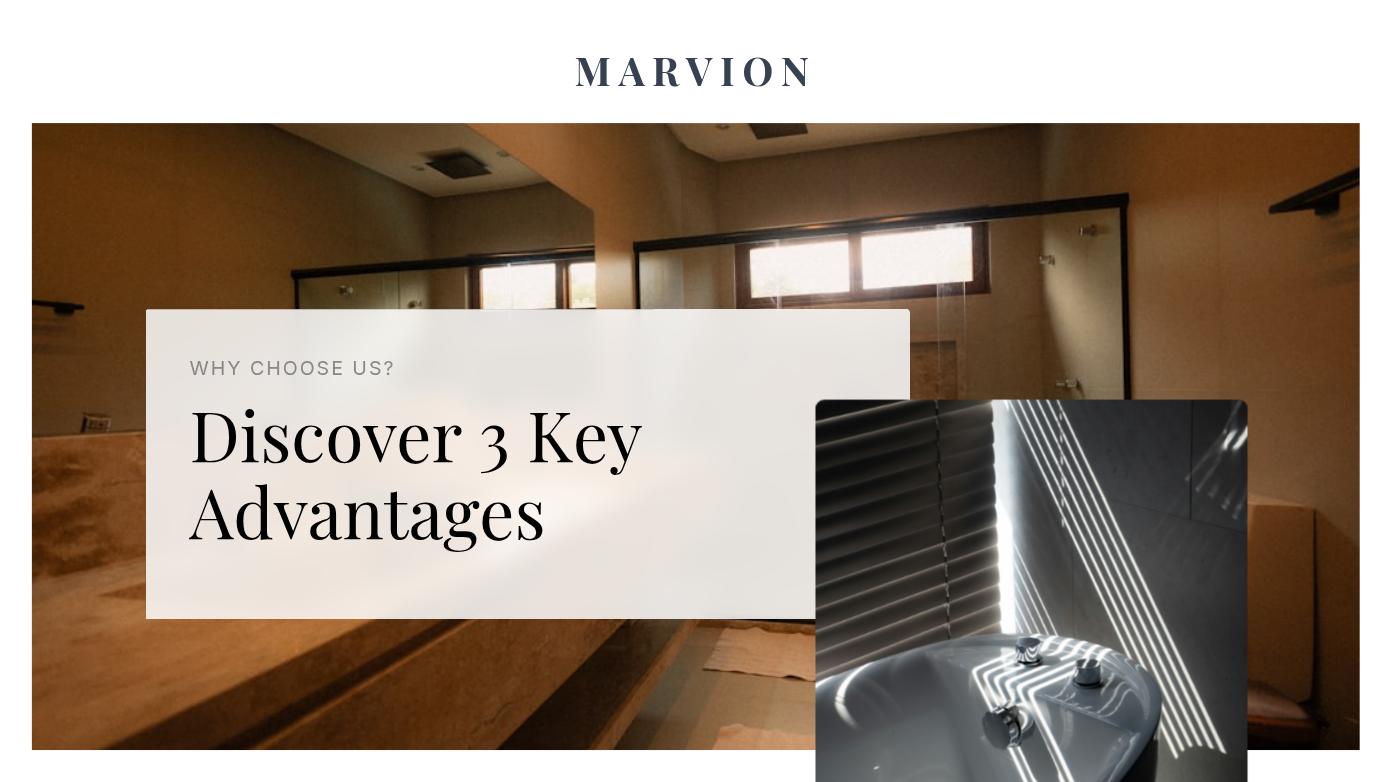 Luxury Interior Design Presentation Slides
Workflow
Begin with a brief or a presentation starter so the canvas has a useful first direction.
Ask your AI designer to tighten the message, change tone, reorganize flow, or create missing sections.
Adjust layouts, spacing, visual emphasis, and brand consistency without leaving the canvas.
Continue shaping the presentation until it is ready to share, present, animate, or make interactive.
Early feedback
“Flato feels less like a one-shot slide workflow and more like a real designer working inside my canvas. I can ask it to rethink the story, fix the layout, and keep going until the presentation actually feels finished.”
“Charts used to be the part I avoided. Getting a clean chart into a deck, making it readable, and matching the design always took too long. In Flato, I can ask for the chart and keep adjusting it on the canvas.”
“I never thought I could make video-level motion in a presentation by myself. Flato helped me turn static slides into animated moments without feeling like I had to become a motion designer.”
“For education, the interactive lesson workflow is the most exciting part. I can build courseware that students can respond to in class, instead of showing them another static PPT.”
“Before Flato, I would generate a deck, export it, then rebuild the parts that did not match our brand. Now the AI helps me keep the presentation consistent while I edit every slide.”
“The best part is that I can keep asking for design help in context. Flato sees the page, understands what I am trying to present, and helps me move from rough idea to client-ready deck.”
FAQ
Most AI PPT workflows stop after producing a first draft. Flato keeps working with you on the canvas so you can refine the story, adjust layouts, keep the deck on brand, and move toward a presentation-ready result.
Yes. The presentation remains editable on the canvas. You can change text, images, layout, spacing, visual hierarchy, and slide structure instead of accepting a locked generated output.
Yes. You can keep asking your AI designer to rewrite sections, reorganize the flow, add missing slides, simplify the message, or adapt the presentation for a different audience.
Gamma is strong at generating structured decks quickly. Flato is closer to an AI-native design canvas: the deck can keep evolving into edited slides, brand visuals, interactive scenes, and other visual content after the first draft.
Canva is a broad template-based design platform. Flato is designed around an AI designer working with you directly on the canvas, so you can move from brief or starter to editable, brand-consistent presentation work in one flow.
Yes. Flato presentations can be shared by link and played online, so you do not need to export to PowerPoint just to show the presentation in a browser.
Not for the core Flato workflow. You can continue editing, refining, sharing, and presenting online in Flato, instead of generating a draft and finishing the real work in a desktop slide editor.
Yes. Starters help you begin with structure, tone, and visual direction, then Flato lets you continue editing and extending the presentation with AI.
Flato is built for canvas-native design, so presentations can move beyond static slides into motion-ready and interactive-ready visual experiences.
No. Presentations are the first SEO entry, but Flato also supports brand visuals, social posts, motion-oriented content, and other editable design work.
Start with a draft, then keep refining the story and design until the deck is ready.
Open Flato