Make lessons and training visual
Turn dense teaching notes, policies, or training material into clearer slides, diagrams, examples, and visual explanations.
Flato helps educators and trainers turn lesson ideas, courseware, and training material into editable presentations with visuals, motion, and interactive moments.
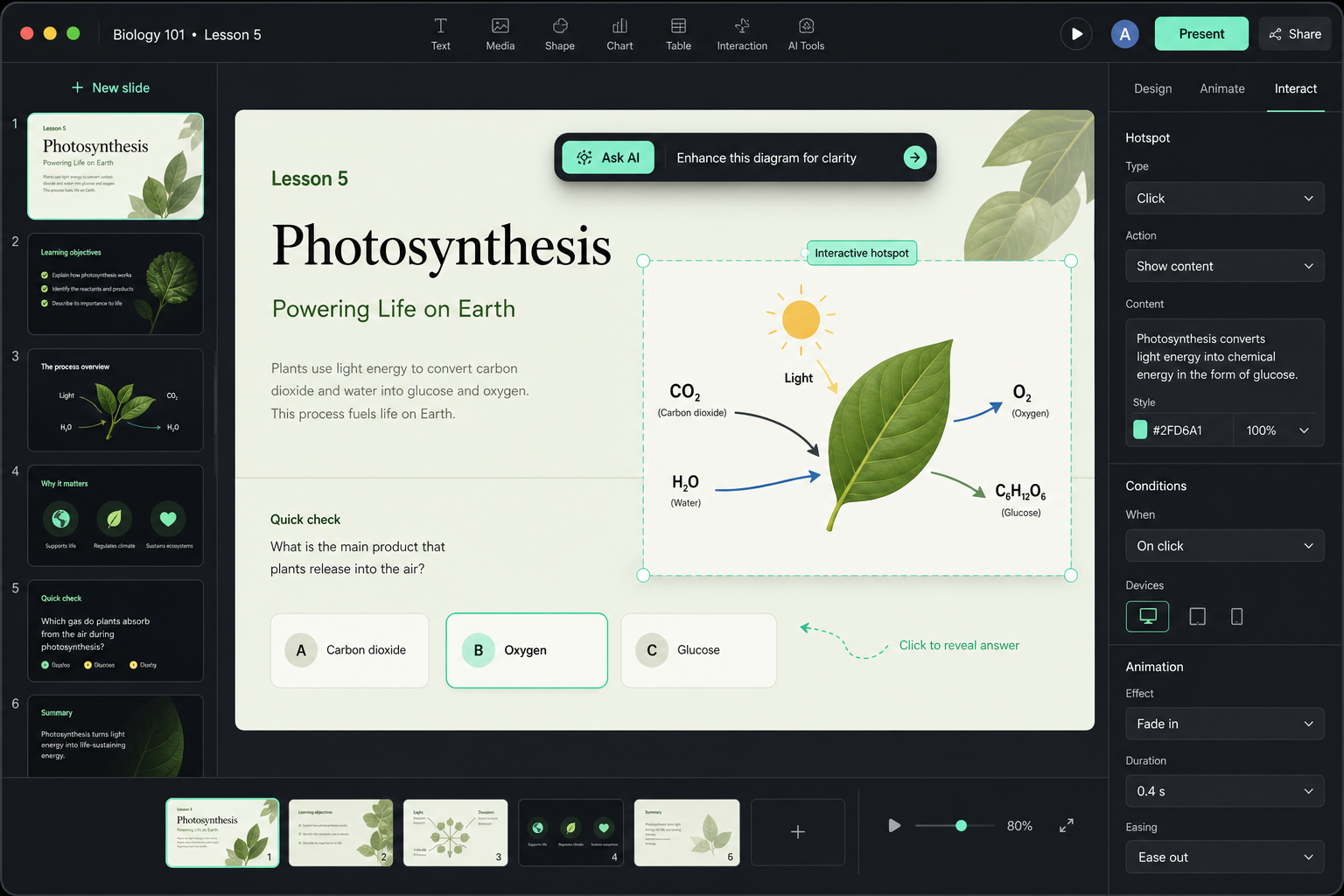
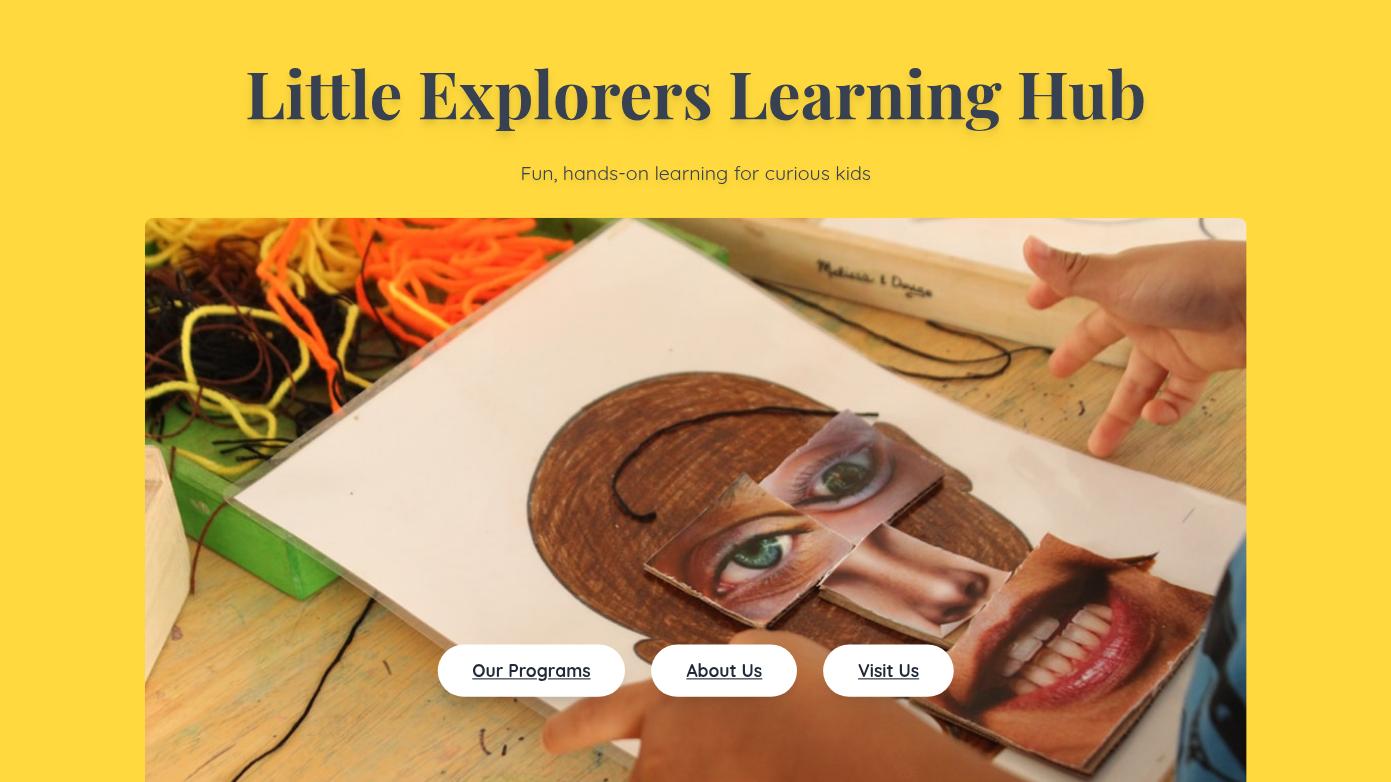
Education features
Turn dense teaching notes, policies, or training material into clearer slides, diagrams, examples, and visual explanations.
Adjust tone, simplify explanations, add missing slides, or adapt content for different students.
Move beyond static PPT into classroom interaction, motion, and participation-ready scenes.
Use one online lesson deck for sharing, presenting, and continuing updates.
Education starters
Use education starters for lessons, training decks, classroom activities, or courseware, then keep adapting the slides with AI.
Playful Childrens Learning Center Presentation Children Education Program Annual Report Presentation
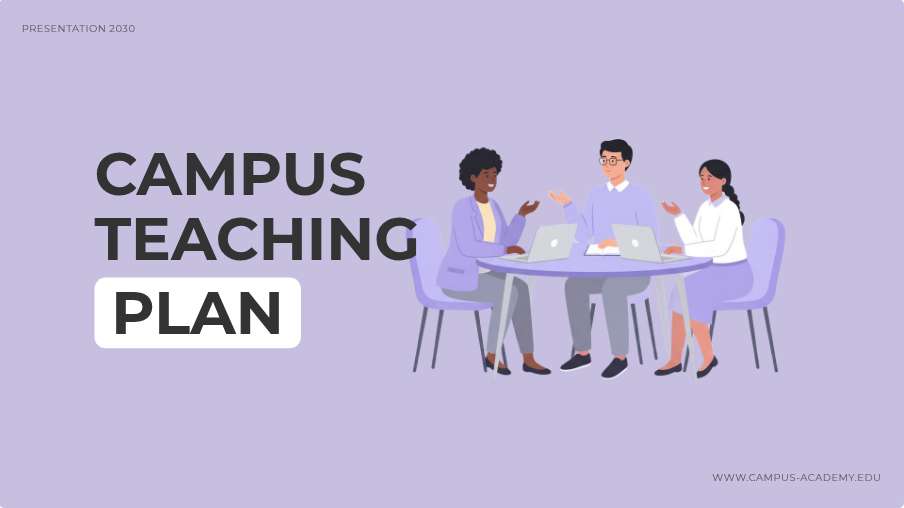 Campus Teaching
 Professional Tennis Academy Website Design
 Professional Engineering Training Presentation Slides
 Creative Learni
 Learn with Me!
 Guess the Veget
More presentation entry points
Workflow
Tell Flato the topic, audience level, session length, and learning outcome.
Create sections, examples, recap slides, and classroom discussion moments with AI.
Improve diagrams, images, typography, and flow directly on the canvas.
Shape the presentation toward interaction, motion, and online playback for class delivery.
Early feedback
“Flato feels less like a one-shot slide workflow and more like a real designer inside the canvas. I can point at the page, ask for changes, and keep moving toward a presentation I can actually use.”
“The chart slides used to be the slowest part. With Flato, I can turn numbers into a clearer visual page and still edit the hierarchy, colors, and copy afterward.”
“I never thought I could make a presentation feel close to video-level motion by myself. Flato gives me the canvas and the AI help to make the deck feel alive.”
“For teaching materials, the interactive layer changes the room. I can build courseware that students respond to instead of showing another static slide deck.”
“I can share a polished online deck with clients, then keep refining the same canvas instead of managing exported files and disconnected feedback.”
“The most useful part is continuity. Flato keeps co-creating after the first draft, so the final presentation still feels designed, not just generated.”
FAQ
Yes. Flato can help create lesson presentations, training decks, courseware, classroom activities, and other editable education slides.
Yes. Flato can help extend a lesson deck beyond static slides into interactive or motion-ready classroom experiences.
Yes. You can ask your AI designer to simplify, expand, change tone, add examples, or reorganize the lesson or training flow.
Yes. Slides remain editable on the canvas, so you can change text, images, layouts, and visual hierarchy directly.
Yes. Flato supports online links and presentation playback, useful for class delivery or sharing after class.
No. It is useful for educators, trainers, creators, coaches, and teams who need learning-focused presentations.
Start with the topic, then keep refining the slides into interactive courseware.
Open Flato