Mouse-driven slide interactions
Add clickable areas, hover states, cursor-driven moments, and interaction logic directly inside the slide experience.
Flato lets you create slides with mouse events, clickable states, hover moments, and web-like interactions people can use directly inside the presentation.
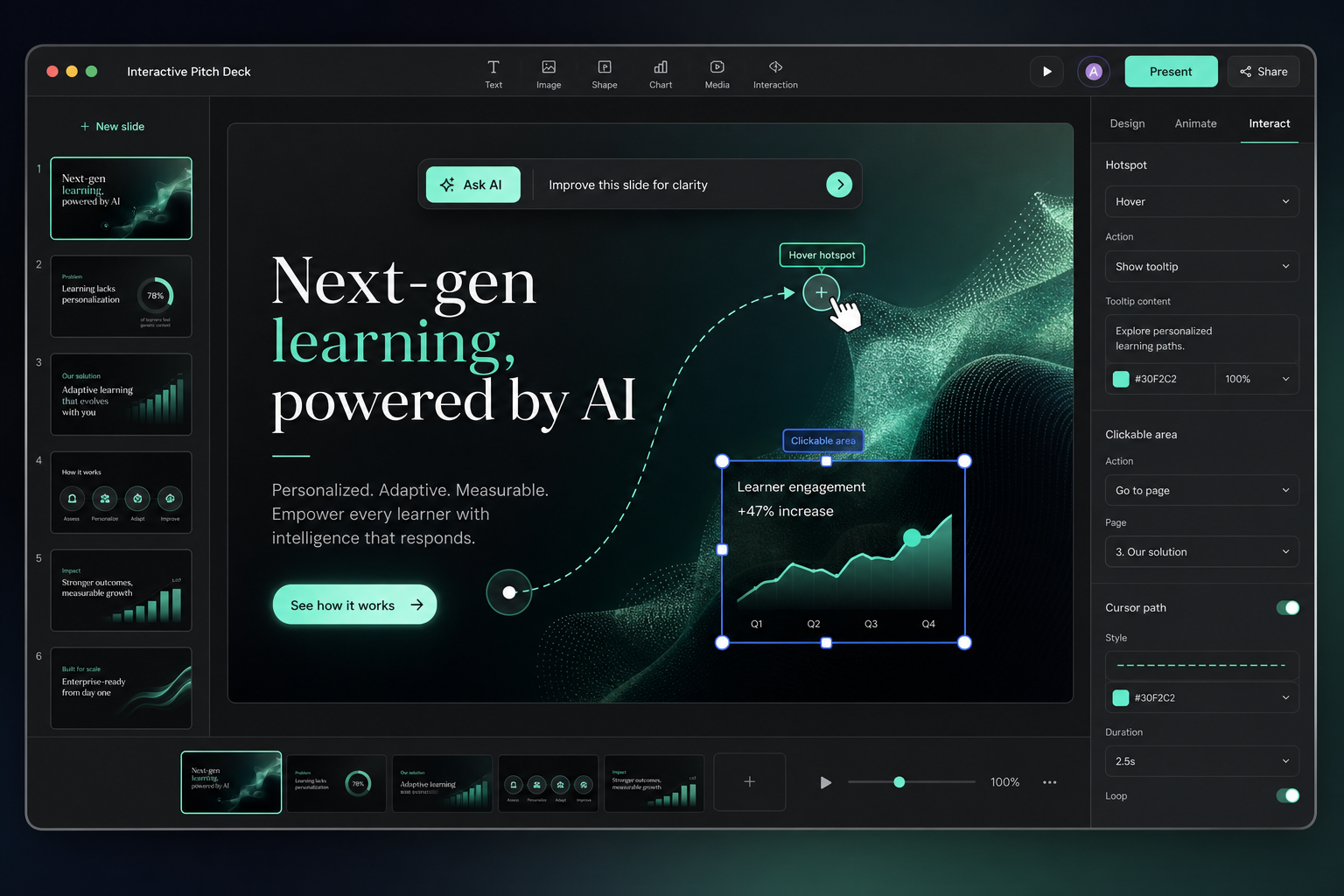

Interactive presentation features
Add clickable areas, hover states, cursor-driven moments, and interaction logic directly inside the slide experience.
Keep the story, layout, and visual hierarchy editable while shaping the interactive presentation.
Carry the same brand logic into follow-up slides, social posts, motion scenes, and campaign assets.
Publish a link, present in the browser, and keep improving the same editable canvas instead of exporting locked files.
Interactive starters
Use starters as the base, then shape interaction and brand direction on the canvas.
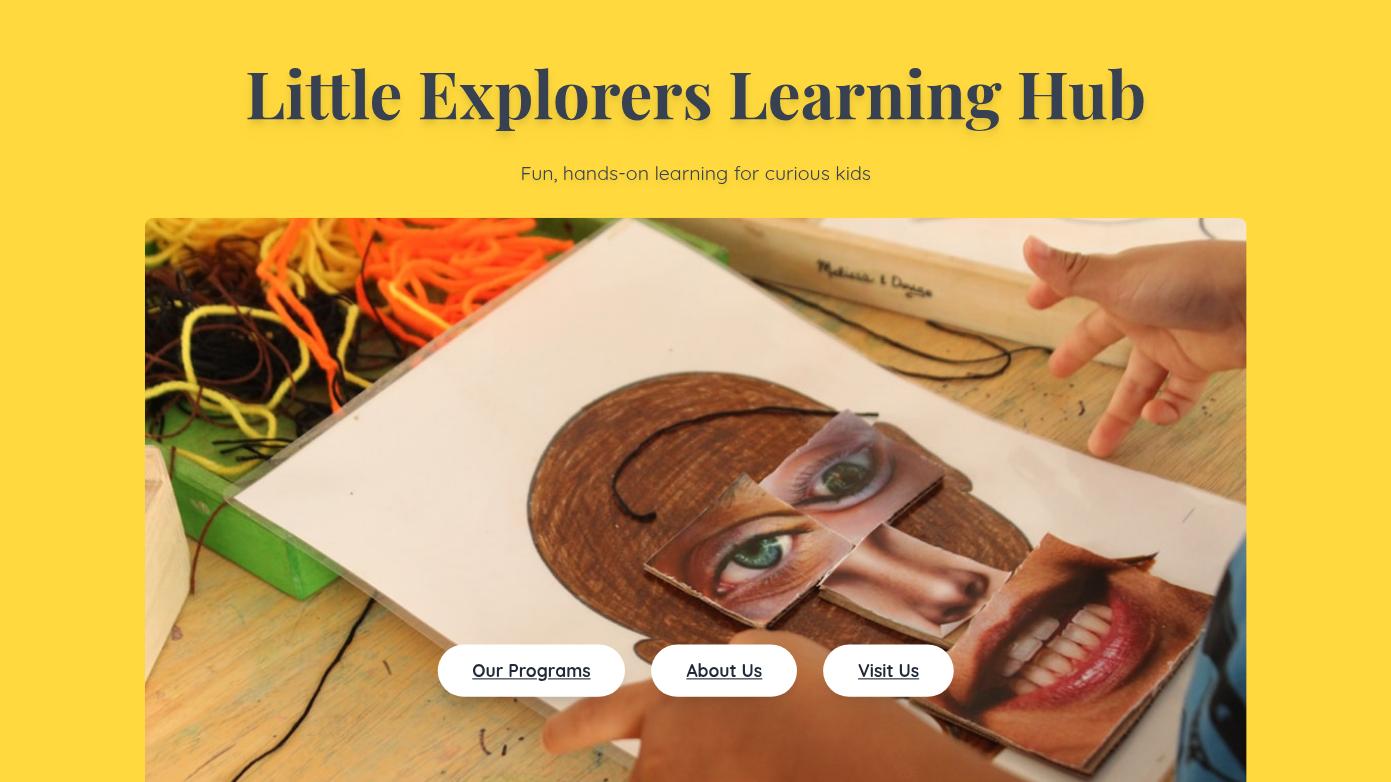 Playful Childrens Learning Center Presentation
 Luxury Travel Agency Website DesignModern Minimalist Furniture Website Design
 Outdoor Camping Community Annual Guide
 Professional Tennis Academy Website Design
 Children Education Program Annual Report Presentation
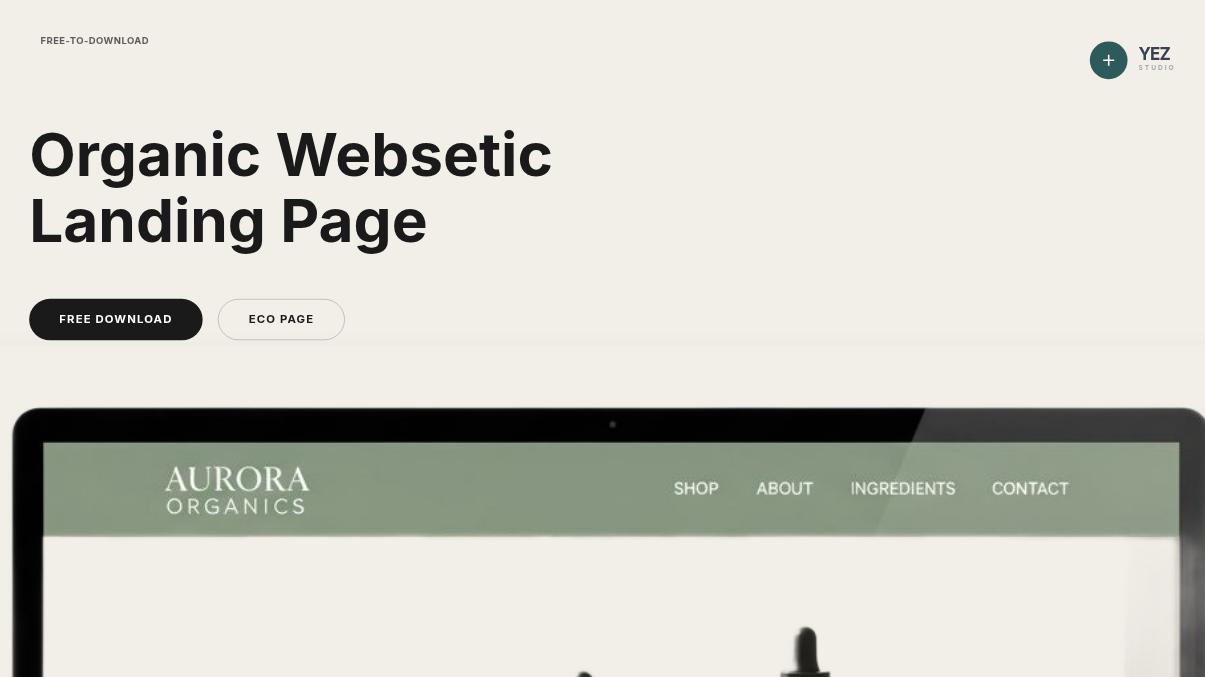 Minimalist Organic Skincare Landing Page
 Minimalist Creative Designer Portfolio Presentation
Build the presentation cluster
Workflow
Start with the audience, goal, and core message. Flato helps shape the structure before the page becomes static.
Work with real canvas elements so content can be refined, rearranged, and extended.
Use interaction as part of the presentation experience rather than a separate layer.
Ask AI to revise, expand, or adapt the presentation while the design remains editable.
Early feedback
“Interactive slides used to mean adding a separate production step after the deck was finished. Flato makes interaction feel like part of the design process, because the AI designer is still working with me on the canvas.”
“I can build a presentation that behaves more like a lightweight web experience. The useful part is that I can still edit the layout, copy, and visual hierarchy after the interaction idea appears.”
“For workshops, the biggest change is participation. I can create interactive moments in the deck itself and keep refining the story with AI instead of rebuilding slides elsewhere.”
“Flato gives me a way to move from static proposal slides to a more interactive client walkthrough. It still feels like a presentation, but no longer feels flat.”
“I like that interaction does not break the brand system. The AI helps me keep colors, spacing, and typography consistent while the presentation becomes more alive.”
“The canvas matters. I can point to the exact slide, ask for a change, and see the interactive presentation evolve instead of starting over from a blank brief.”
FAQ
Polling software focuses on audience input during delivery. Flato focuses on creating and refining the presentation design itself on an editable canvas.
Yes. The goal is to keep interaction, layout, typography, and brand direction in one continuous design workflow.
No. Starters provide structure; Flato lets you continue creating, editing, and extending the presentation with AI.
Yes. Flato is designed for canvas-native presentation work, so a static slide can evolve toward motion-ready and interaction-ready visual scenes.
Yes. The presentation remains editable on the canvas, so copy, layout, images, charts, and interaction direction can keep changing together.
Yes. Flato supports link sharing and online presentation playback, so the experience can be delivered in the browser instead of only as a downloaded file.
Create the story, refine the design, and keep iterating with your AI designer.
Open Flato