What is Flato?
Flato provides an AI-native canvas runtime for creating editable presentations, marketing visuals, brand assets, and other design content with AI and manual editing in the same workflow.
Flato is the native canvas runtime for AI design. Co-create editable presentations, interactive slides, and brand-aligned visuals with AI in one continuous canvas workflow.
Please use desktop for the full Flato canvas experience.
Follow Flato on XBring any AI Agent to the canvas through MCP, from Claude Code to Codex, and keep every design editable with human control.
Your AI Designer sees what you see — understanding layout, elements, timing, and visual relationships — and directly participates on the canvas in fully editable, context-aware design. What you can do on the canvas, AI can help do too, instead of staying a bystander outside it.
Create brand-aligned visual content across slides, graphics, and motion. From layout and storyboard to animation and export, everything stays fully editable within one unified AI Design system.
Work alongside your AI Designer in real time. Direct it with chat or refine manually — every change is fully editable, brand-aligned, and synced instantly on the AI-native canvas.
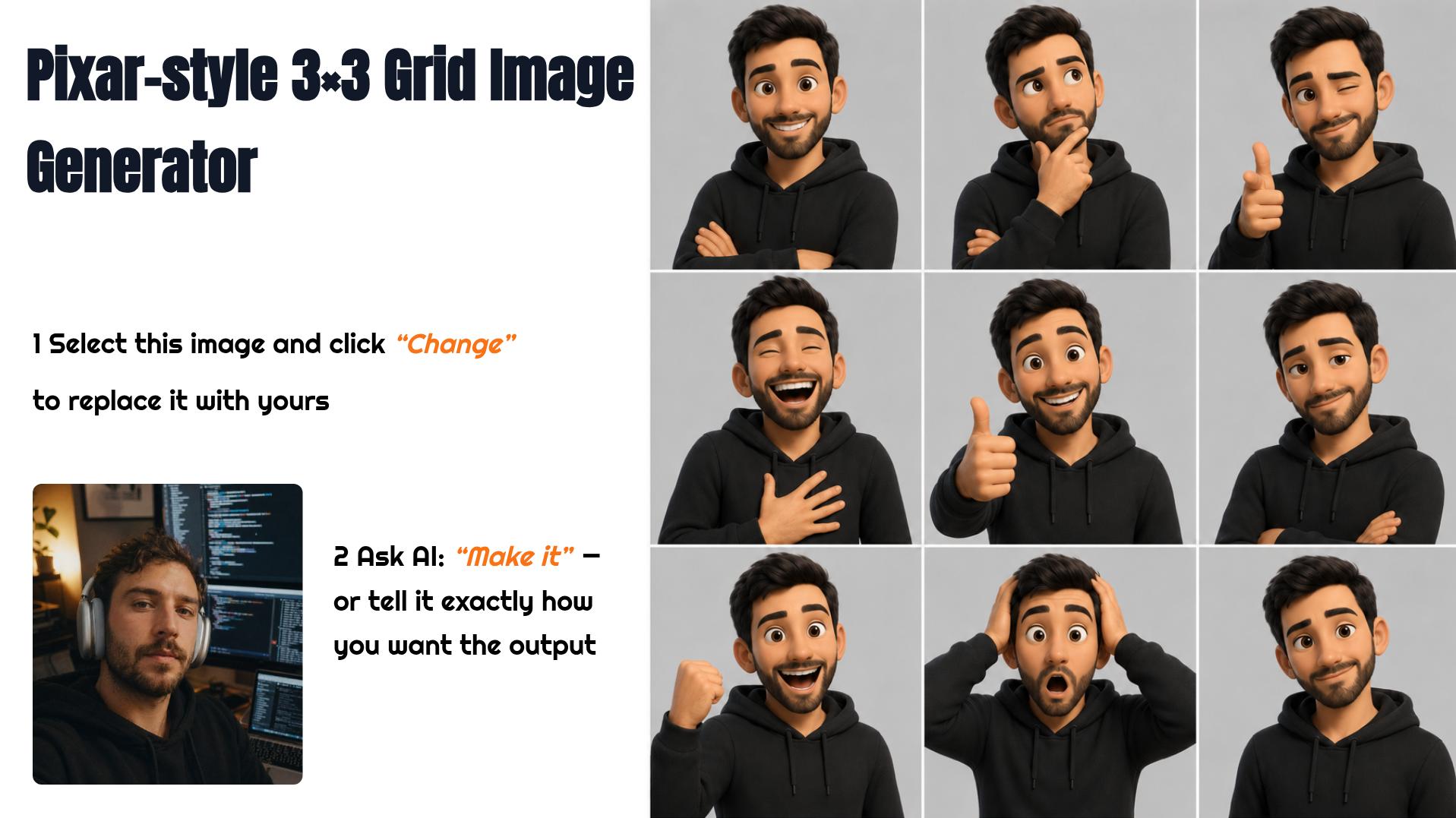
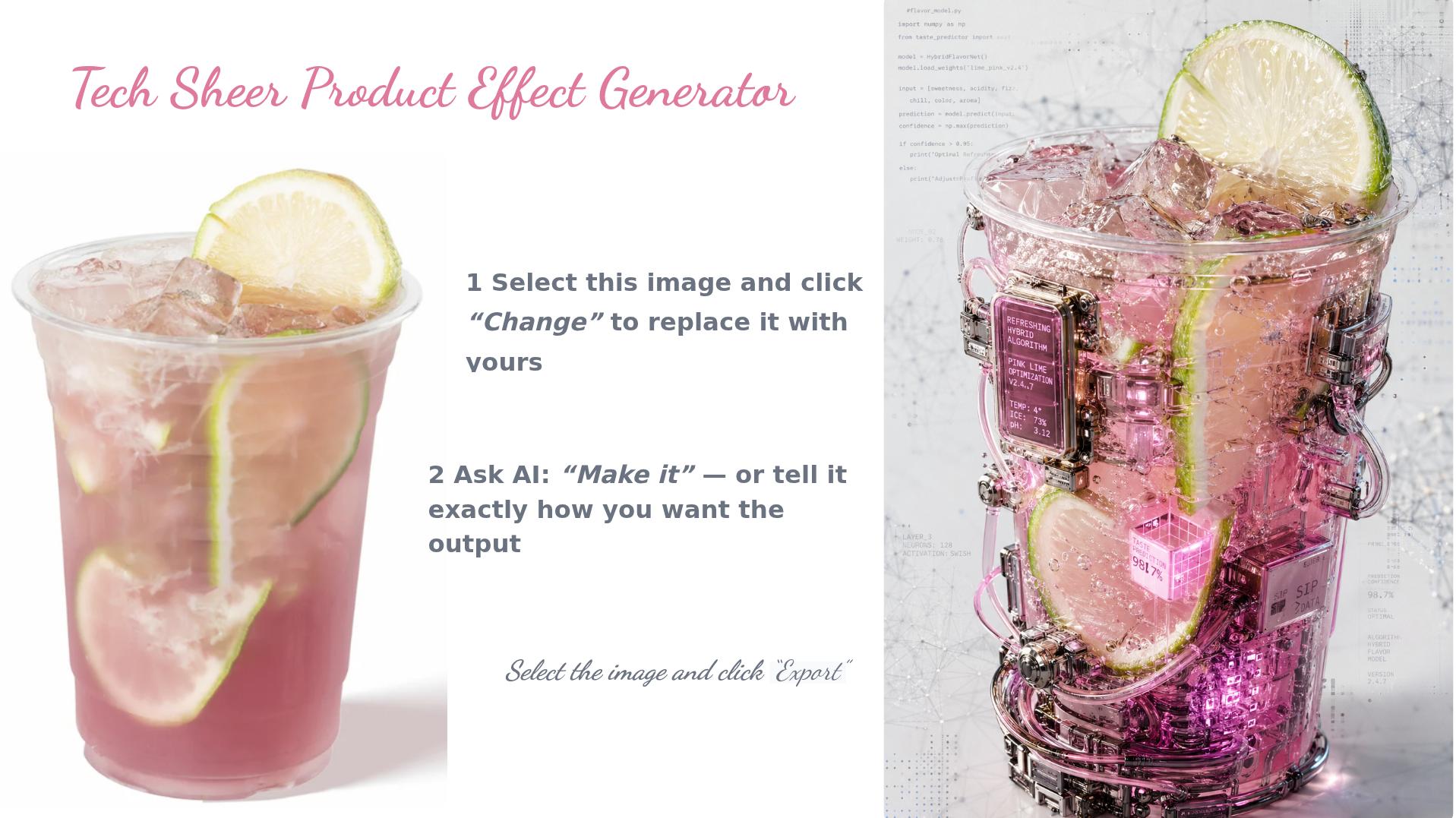
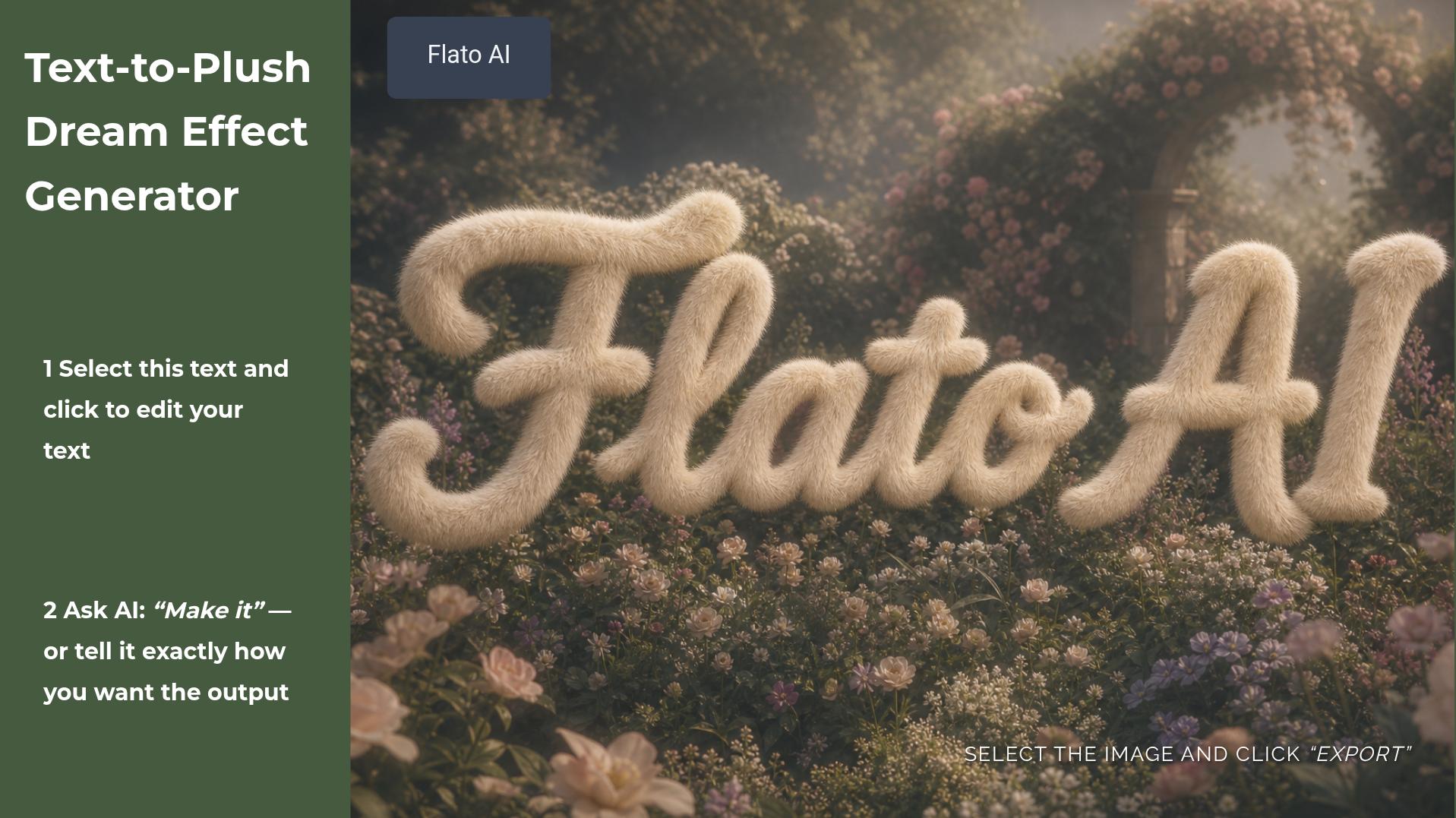
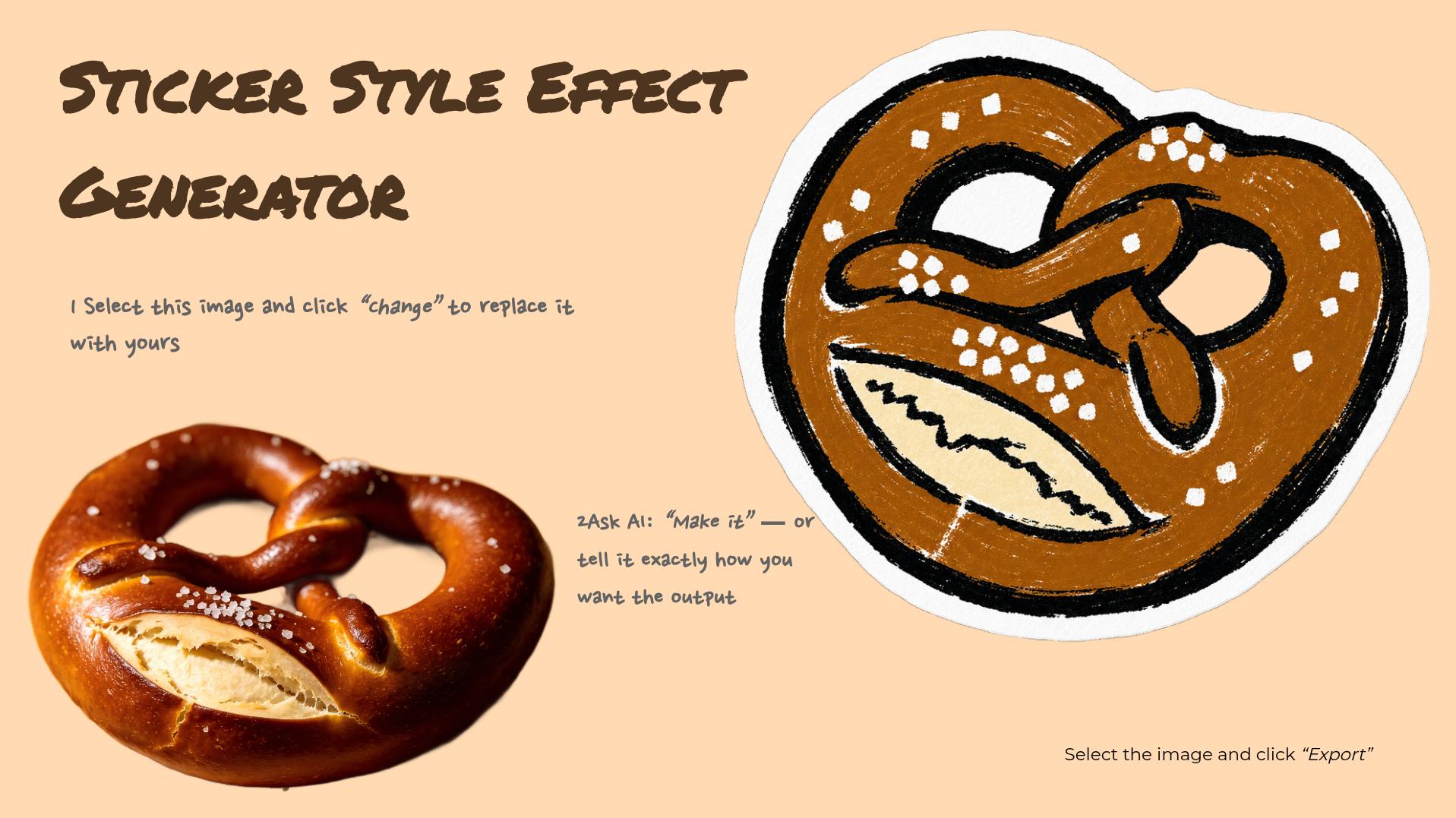
Explore designs created in Flato and pick one to get started.

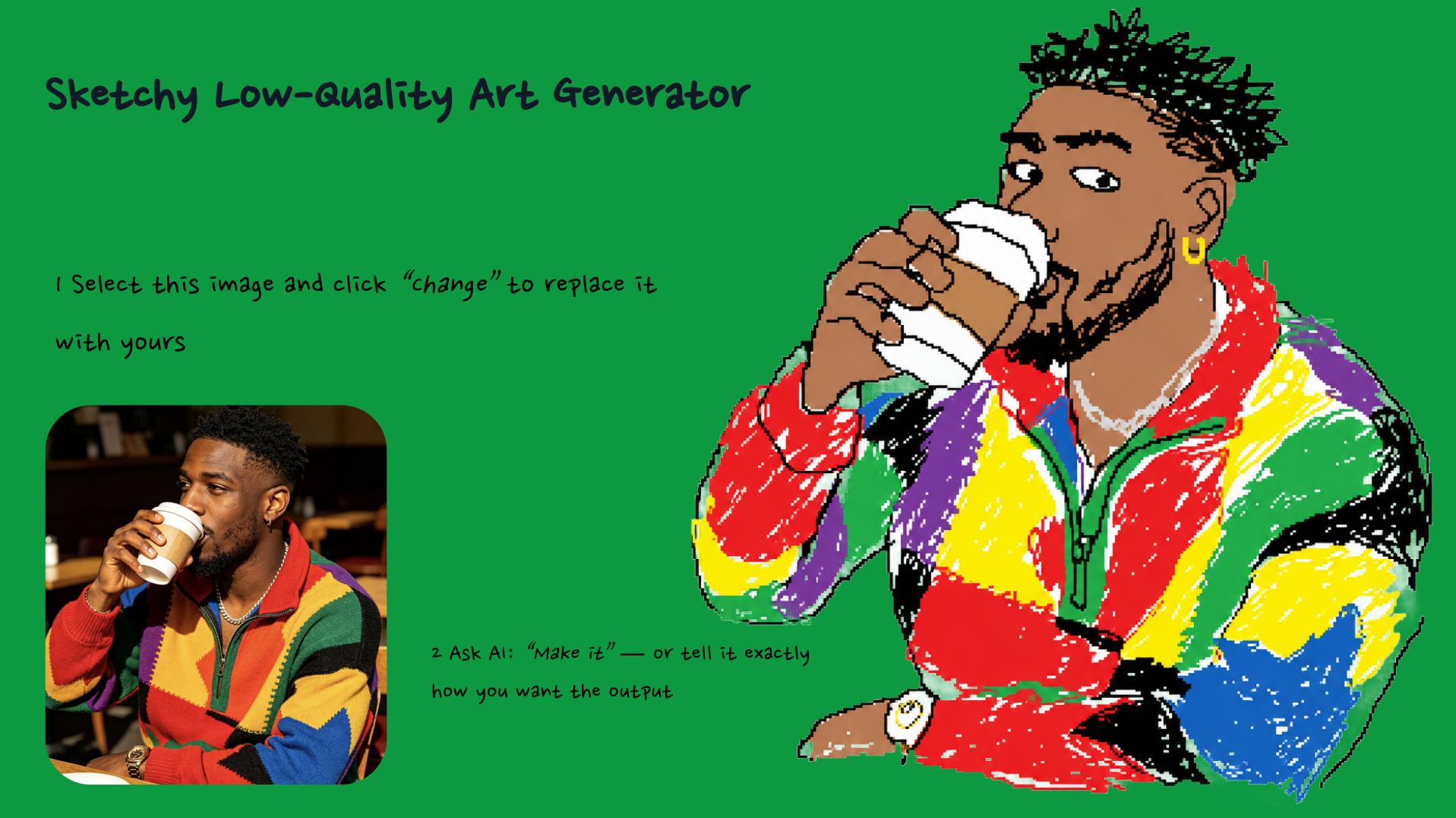
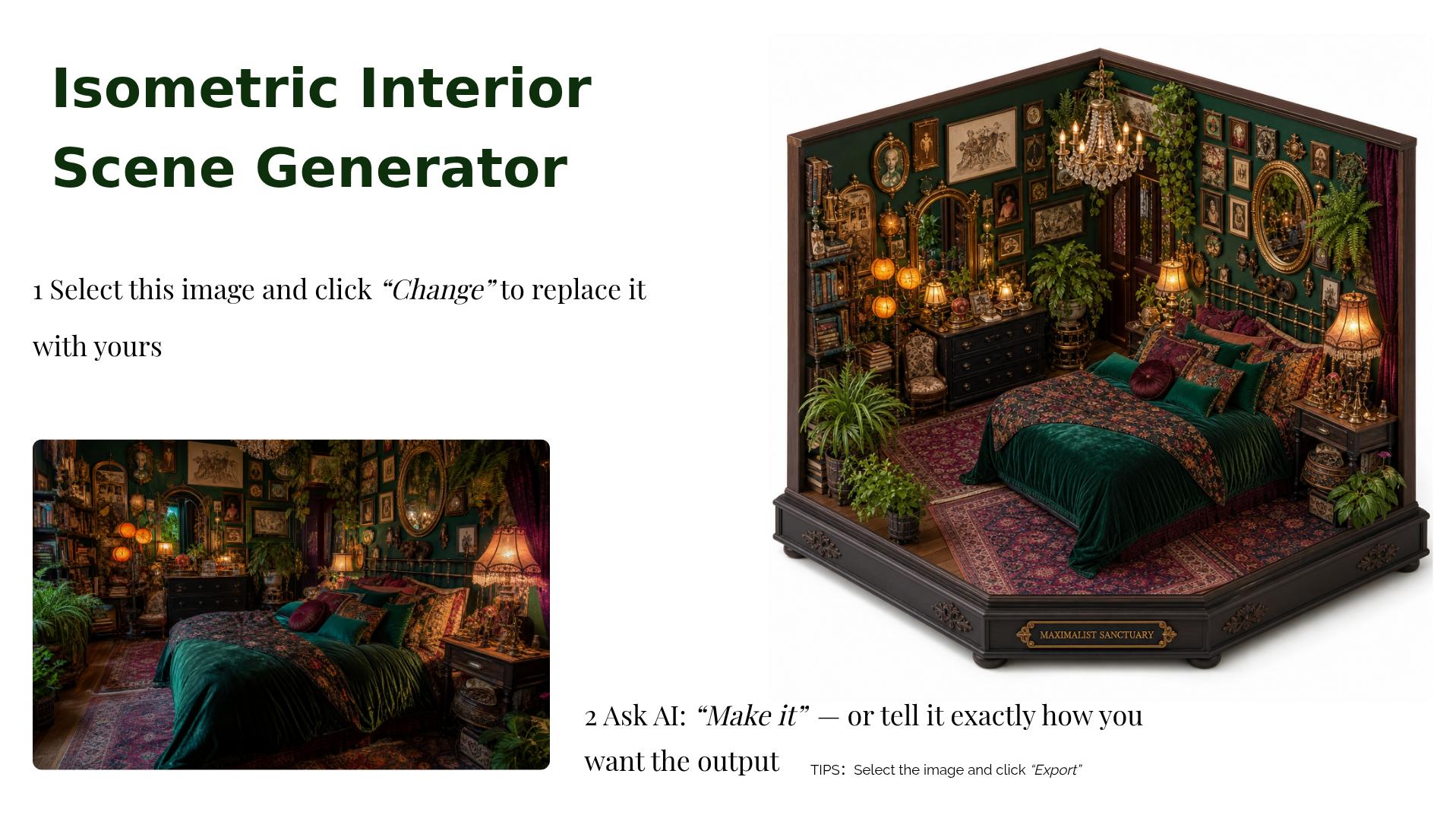



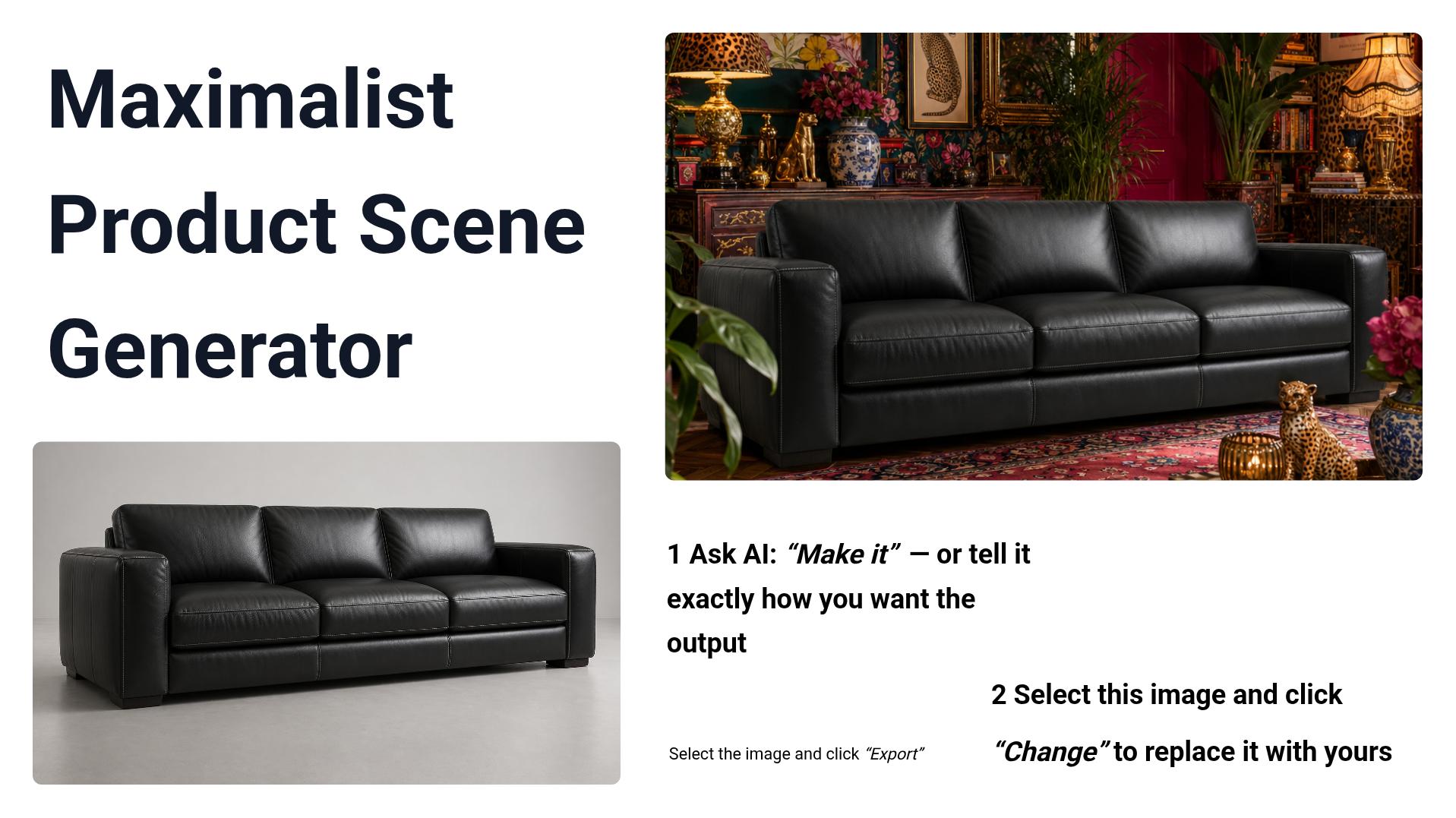

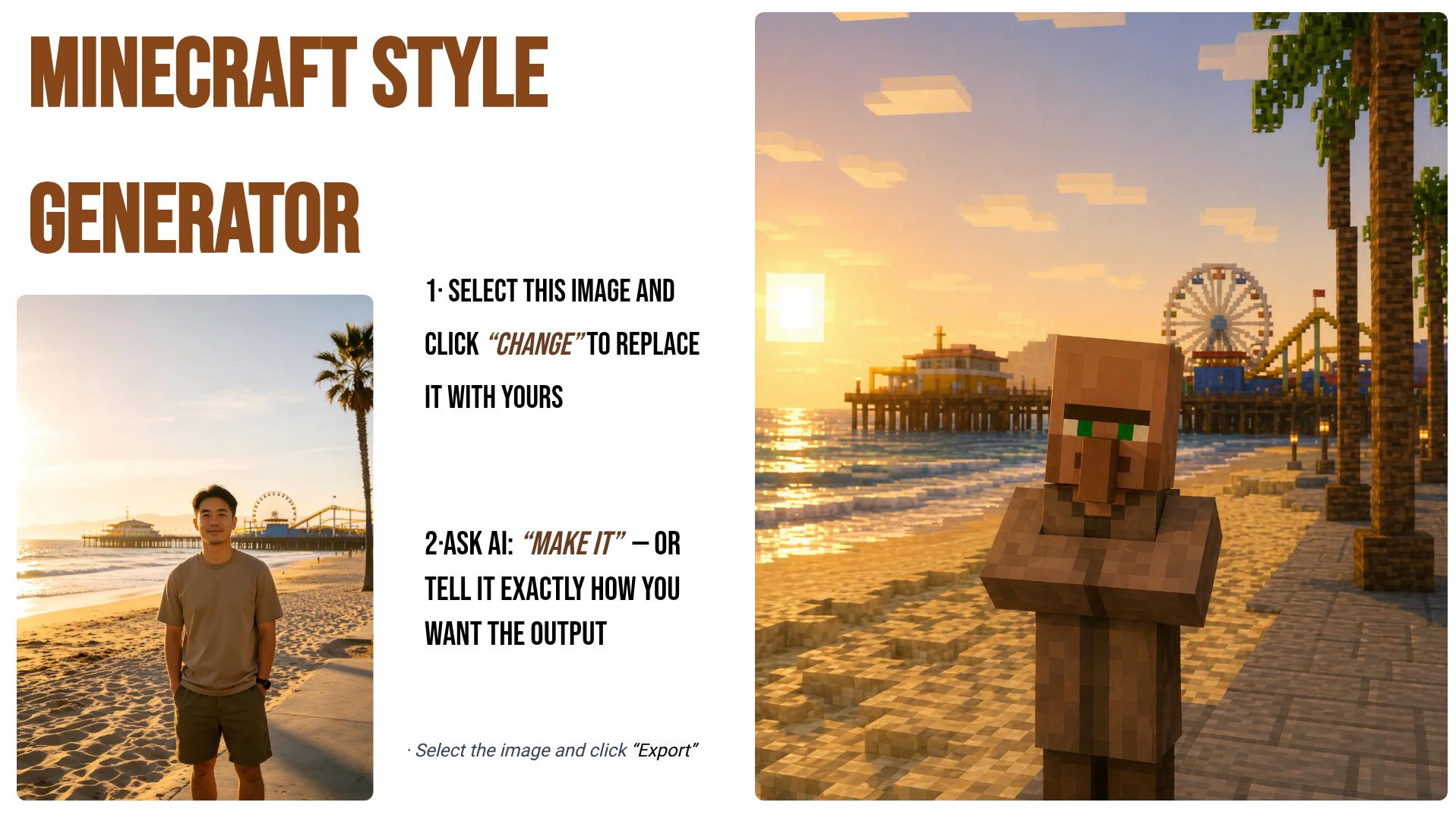




















Short answers about Flato, MCP, pricing, subscriptions, Credits, and AI-native canvas workflows.
Flato provides an AI-native canvas runtime for creating editable presentations, marketing visuals, brand assets, and other design content with AI and manual editing in the same workflow.
Programmable AI design runtime beyond traditional slide editors. Giving AI control over the full canvas, including text, styles, layout, images, charts, vector elements, and visual structure; Built-in image search across multiple sources, vector element generation, programmable animation, programmable interaction, and programmable charts; Creating richer editable design experiences than traditional slide tools.
Connecting MCP-capable agents such as Claude Code, Codex, and Cursor to Flato; Letting agents create, inspect, and update the same live editable project; Continuing work from an existing editor URL or, when supported, turning a share link into an editable project copy. Instead of producing disconnected files, the agent can keep working in the same live canvas while you keep control in the Flato editor.
Connecting MCP-capable agents such as Claude Code, Codex, and Cursor to Flato. It also supports other tools that can connect to a Streamable HTTP MCP server with OAuth authorization.
Yes. Letting agents create, inspect, and update the same live editable project. Continuing work from an existing editor URL or, when supported, turning a share link into an editable project copy.
Yes. When supported, Flato MCP can turn a Flato share link into an editable project copy in the authorized user's account, then continue work from that copied project.
No. Local agent tokens used through Flato MCP are not charged as Flato Credits; those costs are billed by the agent or AI service provider.
Flato Credits are consumed only by Flato-side AI generation or media-processing features; manual canvas edits such as text changes, layout adjustments, or moving elements do not consume Credits.
Some Flato features require an active subscription, including MPEG export, vectorizer, and video generation; feature availability follows the current platform rules.
Dragging, moving, and resizing content; editing text; cropping images; changing canvas size and overall styles; Inserting text, images, and video, including dragging local images directly onto the canvas; Exporting selected blocks, a single page, or all pages as bitmap images, PDFs, or video, and sharing links that can be edited further or played online